
Proprietary web scraping tools come with hefty price tags, vendor lock-in, and limits on what you can customize. Open-source crawlers and scrapers give you full control over your code, zero licensing fees, and the freedom to adapt tools to your exact needs.
But not all open-source tools are the same. Some are full-fledged libraries built for large-scale data extraction projects; others excel at dynamic content or are ideal for smaller, lightweight tasks. The right tool depends on your project's complexity, the type of data you need, and your preferred programming language.
The libraries, frameworks, and SDKs covered here span that range, so you can pick a tool that fits your needs.
What are the best open-source web crawlers and web scrapers?
1. Crawlee
Language: Node.js, Python | GitHub

Crawlee is a web scraping and browser automation library for building reliable crawlers, and powers many of the ready-made scrapers on Apify Store. With built-in anti-blocking features, it makes your bots look like real human users, reducing the likelihood of getting blocked.
Crawlee comes in two flavors. The Node.js library integrates with HTML parsers like Cheerio and JSDOM, as well as with headless browsers like Puppeteer and Playwright. The Python library pairs with Beautiful Soup, Parsel, and Playwright. Both share a unified crawler interface that supports HTTP and headless browser modes.
The library handles scalability by managing concurrency automatically based on system resources, rotating proxies, and using human-like browser fingerprints to avoid detection. Crawlee also ships persistent URL queuing and pluggable storage for data and files.
Pros:
- Switch between HTTP request/response handling and JavaScript-heavy browser pages by changing a few lines of code.
- Built-in anti-blocking features: proxy rotation and human-like fingerprint generation.
- Tooling for common tasks like link extraction, infinite scrolling, and blocking unwanted assets, plus parser support for both Cheerio and JSDOM out of the box.
Cons:
- The feature set and the need to understand both HTTP and browser-based scraping can create a steep learning curve.
Best for: Developers and teams managing both simple and complex web scraping and automation tasks in JavaScript/TypeScript and Python. Particularly effective for web applications that combine static and dynamic pages, since you can switch between crawlers per page.
2. Scrapy
Language: Python | GitHub

Scrapy is one of the most complete and popular web scraping frameworks in the Python ecosystem. It's built on Twisted, an event-driven networking framework, and now also supports asyncio coroutines via the AsyncioSelectorReactor, so async/await code works inside spiders.
Designed for crawling at scale, Scrapy includes built-in support for handling requests, processing responses, and exporting data in CSV, JSON, JSON Lines, and XML.
Its main drawback is that it cannot natively handle dynamic websites. You can configure Scrapy with a browser automation tool like Playwright or Selenium to unlock these capabilities.
Pros:
- Asynchronous architecture handles many concurrent requests efficiently.
- Designed for web scraping; provides a solid foundation for it.
- Extensible middleware architecture makes Scrapy easy to adapt to most scraping scenarios.
- Well-established community with plenty of documentation and tutorials.
Cons:
- Steep learning curve for developers new to web scraping.
- No native JavaScript rendering; needs Selenium, Playwright, or Splash for dynamic pages.
- Heavier than it needs to be for small, one-off scraping tasks.
Best for: Developers, data scientists, and researchers working on large-scale web scraping projects that need a reliable, scalable solution for extracting and processing large volumes of data.

3. MechanicalSoup
Language: Python | GitHub

MechanicalSoup is a Python library that automates website interactions. It provides a simple API to access and interact with HTML content, similar to interacting with web pages through a browser but programmatically. MechanicalSoup combines features from Requests (for HTTP requests) and Beautiful Soup (for HTML parsing).
When should you use MechanicalSoup over the BS4 + Requests combo on its own? MechanicalSoup adds features useful for specific web scraping tasks like submitting forms, handling login authentication, navigating through pages, and extracting data from HTML.
It does this by creating a StatefulBrowser object in Python that stores cookies and session data and handles other aspects of a browsing session.
MechanicalSoup offers browser-like functionality without launching an actual browser. That has advantages, but also limitations:
Pros:
- Good fit for simple automation tasks like filling out forms and scraping data from pages that don't require JavaScript rendering.
- Lightweight: interacts with web pages through requests with no graphical browser interface, so it's faster and less demanding on system resources.
- Directly integrates Beautiful Soup, so you get everything BS4 already gives you.
Cons:
- Unlike real browser automation tools like Playwright and Selenium, MechanicalSoup cannot execute JavaScript. Many modern sites require JavaScript for dynamic content loading and user interactions, which MechanicalSoup cannot handle.
- Unlike Selenium and Playwright, MechanicalSoup does not support advanced browser interactions like mouse movement, drag-and-drop, or keyboard actions that may be needed to retrieve data from more complex sites.
Best for: A lightweight option for basic scraping tasks, especially static sites and pages with straightforward interactions.
4. Node Crawler
Language: Node.js | GitHub

Node Crawler, often called 'Crawler,' is a popular web crawling library for Node.js. Crawler uses Cheerio as its parser and offers extensive customization, including queue management for concurrency, rate limiting, and retries.
Pros:
- Built on Node.js, Node Crawler handles multiple, simultaneous web requests efficiently, which makes it suitable for high-volume scraping.
- Integrates directly with Cheerio (a fast, flexible, and lean implementation of core jQuery designed for the server), so HTML parsing and data extraction are straightforward.
- Customization options from user-agent strings to request intervals.
- Easy to set up and use, even for developers new to Node.js or web scraping.
Cons:
- No native JavaScript rendering. For dynamic, JavaScript-heavy sites, you need to plug in Puppeteer or another headless browser.
- Node.js's asynchronous, event-driven model has a learning curve for developers new to those patterns.
Best for: Developers comfortable with the Node.js ecosystem who need to handle large-scale or high-speed scraping. Node Crawler leans on Node.js's asynchronous strengths.
5. Selenium
Language: Multi-language | GitHub

Selenium is a widely-used open-source framework for automating web browsers. It lets developers write scripts in several programming languages to control browser actions, which makes it useful for crawling and scraping dynamic content. Selenium provides a rich API supporting multiple browsers and platforms, so you can simulate user interactions like clicking buttons, filling forms, and navigating between pages. Its ability to handle JavaScript-heavy websites makes it particularly valuable for scraping modern web applications.
Pros:
- Works with all major browsers (Chrome, Edge, Firefox, Safari), so you can test and scrape across platforms.
- Interacts with JavaScript-rendered content, so it works on modern web applications.
- Offers a large ecosystem of tools and libraries.
Cons:
- Running a full browser uses significantly more system resources than a headless-only solution.
- Requires an understanding of browser automation concepts and may involve complex setup for advanced features.
Best for: Developers and testers automating web applications or scraping data from JavaScript-heavy sites. Selenium works for both testing and data extraction.
6. Heritrix
Language: Java | GitHub

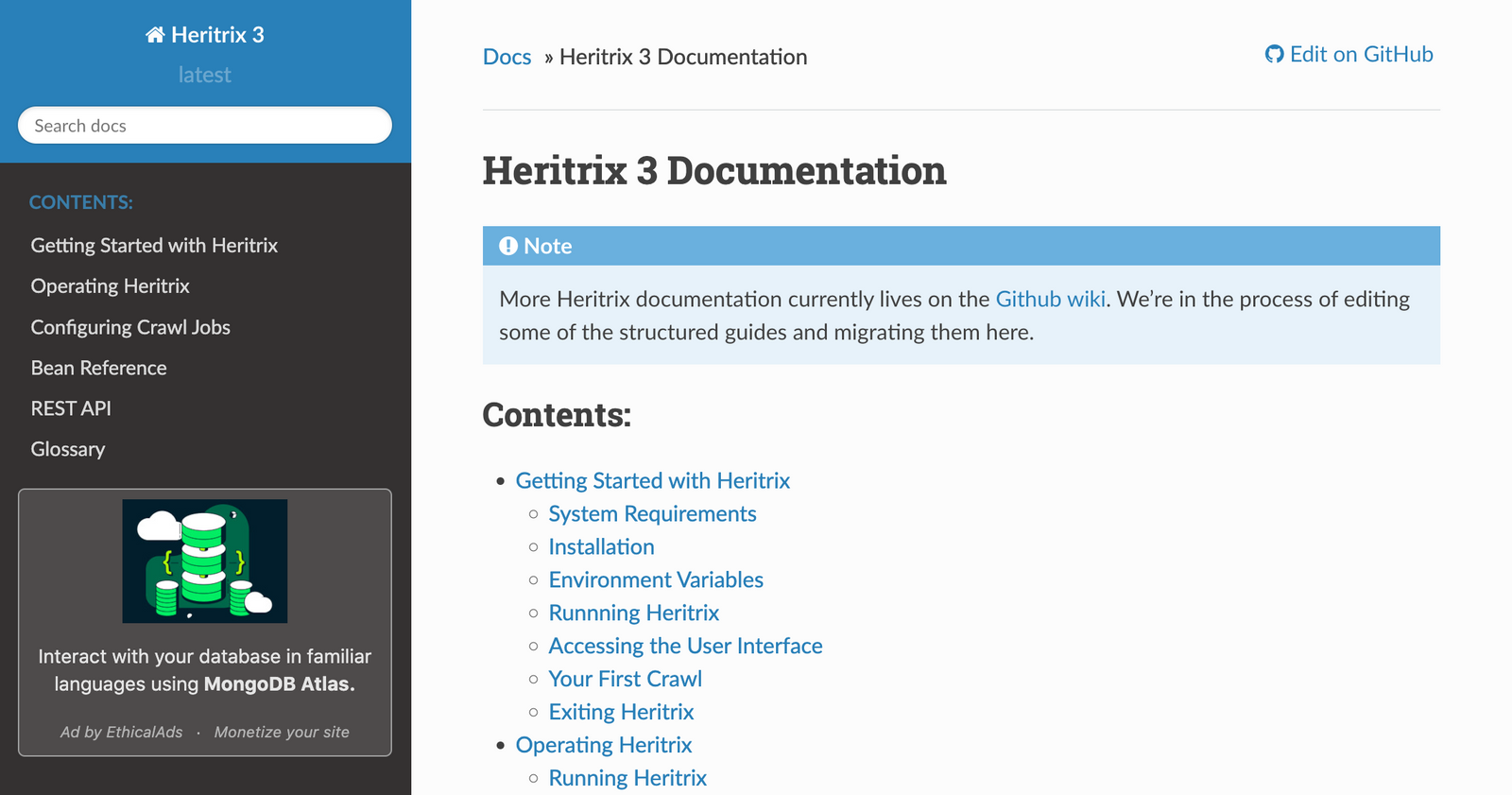
Heritrix is open-source web crawling software developed by the Internet Archive. It is primarily used for web archiving: collecting information from the web to build a digital library and support the Internet Archive's preservation efforts.
Pros:
- Built for large-scale web archiving, so it's a fit for libraries, archives, and institutions that need to preserve digital content systematically.
- Detailed configuration options for customizing crawl behavior, including which URLs to crawl, how to treat them, and how to manage the data collected.
- Handles large datasets, which matters for archiving sizeable portions of the web.
Cons:
- Written in Java, so it can require more system resources than lighter, script-based crawlers, and it's less approachable for developers unfamiliar with Java.
- Built for capturing and preserving web content rather than extracting data for immediate analysis or use.
- Does not render JavaScript, so it cannot capture content from sites that rely heavily on JavaScript for dynamic generation.
Best for: Organizations and projects archiving and preserving digital content at scale, such as libraries, archives, and cultural-heritage institutions. Heritrix is specialized; it's an excellent tool for that purpose but less adaptable for general web scraping.
7. Apache Nutch
Language: Java | GitHub

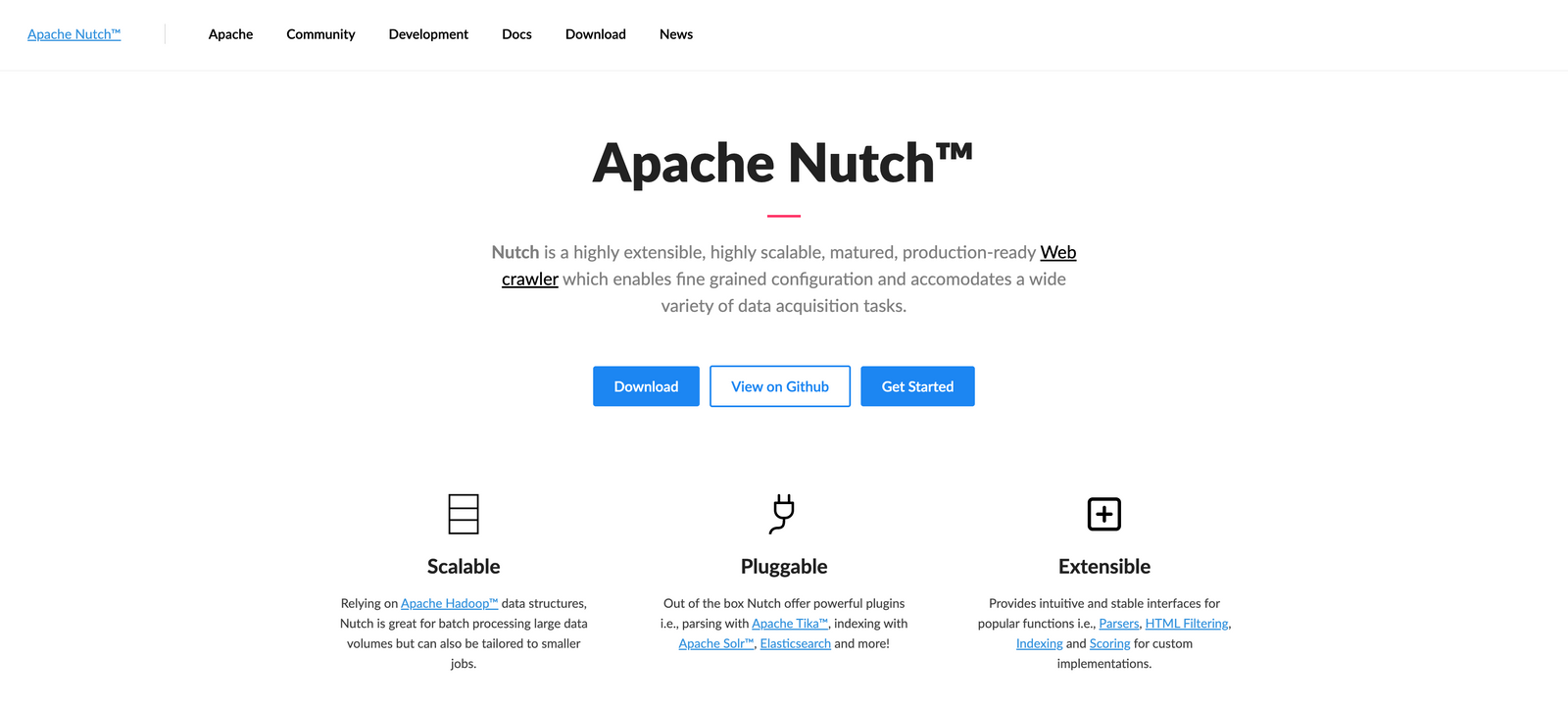
Apache Nutch is an extensible open-source web crawler often used in data analysis. It can fetch content over HTTPS, HTTP, or FTP and extract textual information from document formats like HTML, PDF, RSS, and ATOM.
Pros:
- Reliable for continuous, extensive crawling thanks to its maturity and focus on enterprise-level use.
- Part of the Apache project, with strong community support, continuous updates, and improvements.
- Integrates with Apache Solr (and Elasticsearch) and other Lucene-based search technologies, so it makes a solid backbone for building search engines.
- Runs on Apache Hadoop, which lets Nutch process large volumes of data efficiently.
Cons:
- Setting up Nutch and integrating it with Hadoop can be complex, especially for those new to these technologies.
- Overkill for simple or small-scale crawling tasks, where a lighter tool would do the job.
- Written in Java, so it requires a Java environment, which may not suit teams focused on other technologies.
Best for: Organizations building large-scale search engines or collecting and processing large amounts of web data, especially where scalability and integration with enterprise-level search technologies matter.
8. Webmagic
Language: Java | GitHub

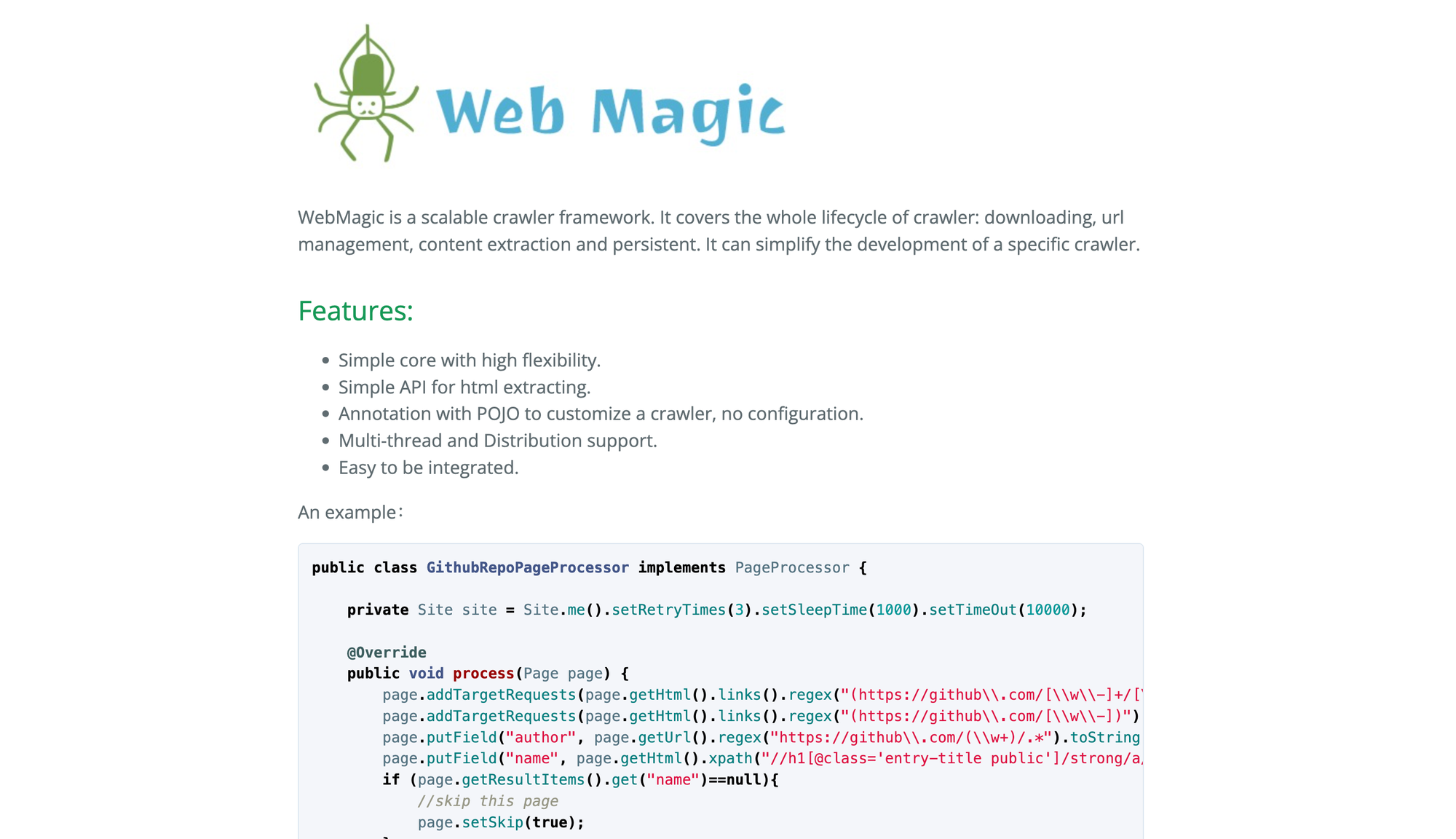
Webmagic is an open-source, simple, and flexible Java framework dedicated to web scraping. Unlike large-scale data crawling frameworks like Apache Nutch, WebMagic targets more specific scraping tasks, which makes it a fit for individual and enterprise users who need to extract data from a handful of sources.
Pros:
- Easier to set up and use than Apache Nutch, which is built for broader web indexing and requires more setup.
- Built for small-to-medium-scale scraping, so it provides enough power without the overhead of larger frameworks.
- Integrates cleanly into existing Java applications.
Cons:
- Being Java-based, it doesn't suit developers who prefer libraries in another language.
- No native JavaScript rendering; for dynamic content loaded by JavaScript, you'd need to integrate a headless browser.
- The community around WebMagic isn't as large or active as those around frameworks like Scrapy, which may affect the future availability of third-party extensions and support.
Best for: Developers looking for a flexible Java-based scraping framework that balances ease of use with enough power for most scraping tasks. Useful for teams already in the Java ecosystem.
9. Nokogiri
Language: Ruby | GitHub

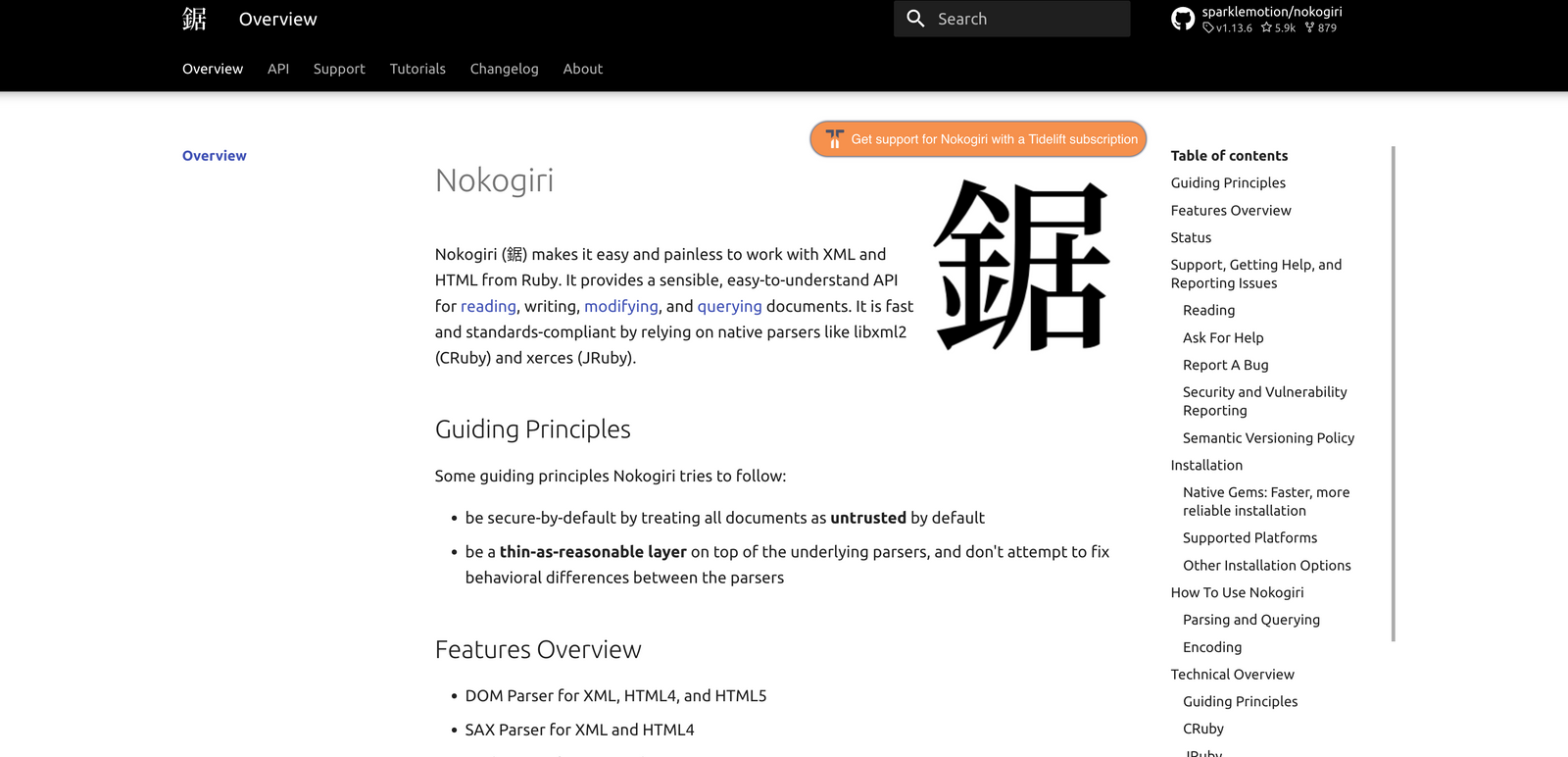
Like Beautiful Soup, Nokogiri is great at parsing HTML and XML documents via Ruby. Nokogiri relies on native parsers like libxml2, libgumbo, and xerces. If you want to read or edit an XML document programmatically in Ruby, Nokogiri is the way to go.
Pros:
- Underlying implementation in C (libxml2 and libxslt) makes Nokogiri extremely fast, especially compared with pure-Ruby libraries.
- Handles both HTML and XML, which suits tasks from web scraping to RSS feed parsing.
- Straightforward, intuitive API for parsing and querying.
- Strong, well-maintained community provides regular updates and good documentation.
Cons:
- Specific to Ruby, so it doesn't suit developers working in other languages.
- Installation can be tricky because of dependencies on native C libraries.
- Memory usage can be heavy when working with large documents.
Best for: Developers already in the Ruby ecosystem who need an efficient tool for parsing and manipulating HTML and XML.
10. Playwright
Language: Multi-language | GitHub

Playwright, an open-source Node.js library introduced in 2020, is widely used for automated browser testing and web scraping. It's cross-platform, supports TypeScript, JavaScript, Python, Java, and .NET, and works with Chromium, Firefox, and WebKit. Playwright offers features for web automation including headless mode, autowaits, browser contexts, authentication state persistence, and custom selector engines.
Pros:
- Supports Chromium, Firefox, and WebKit for consistent scraping across browsers. It can be used with JavaScript, Python, Java, and .NET, so it suits a broad range of developers.
- Operates in headless mode, which reduces resource consumption and speeds up scraping tasks without a graphical interface. The framework also auto-waits for elements to be ready before interacting with them, which cuts the need for manual delays and improves reliability.
- Handles websites that rely on JavaScript and AJAX for content loading, so it's a fit for modern web applications.
Cons:
- Running many browser instances consumes a lot of system resources, particularly when scraping at scale.
- Primarily designed for browser automation and testing rather than dedicated web crawling, which can complicate large scraping projects.
Best for: Developers automating interactions with web applications built on modern frameworks like React or Angular. Playwright's dynamic-content handling fits scenarios where traditional HTTP libraries fall short, especially projects that need frequent updates or complex web interactions.
11. Katana
Language: Go | GitHub

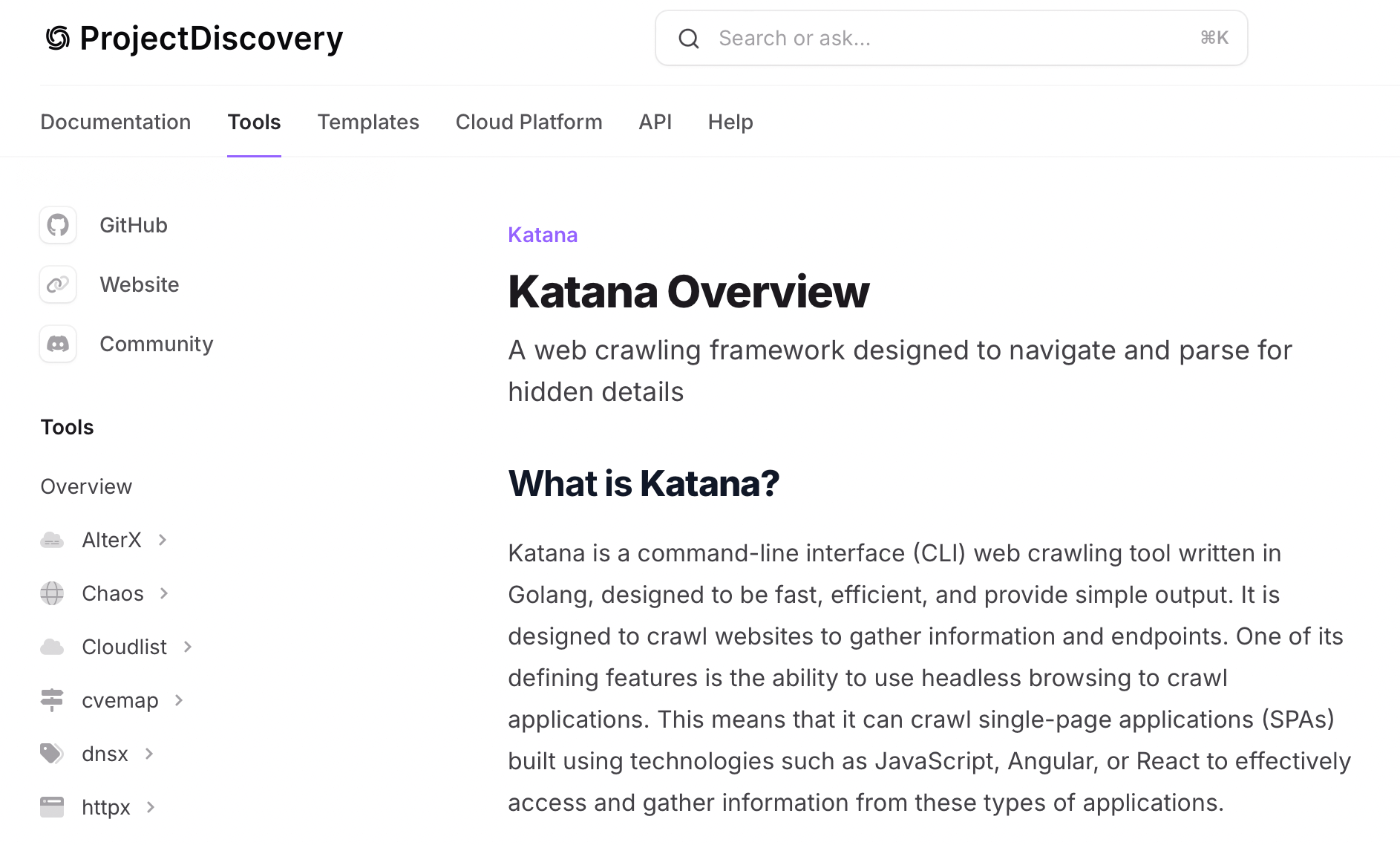
Katana is a web scraping framework focused on speed and efficiency. Developed by ProjectDiscovery, it is designed for data collection from websites and ships features tailored to security researchers and developers. Katana lets you define custom scraping workflows using a simple configuration format. It supports several output formats and integrates with other tools in the security ecosystem, which makes it a flexible choice for crawling and scraping tasks.
Pros:
- Fast data collection from multiple sources.
- Integrates with other tools and libraries.
- Capabilities tailored to security researchers and penetration testers.
Cons:
- Newer than the established frameworks; fewer resources and community discussions.
- Designed for security work, which may limit its appeal for general-purpose web scraping.
Best for: Security professionals and developers who need a fast framework for web scraping in the cybersecurity domain. Katana is especially useful in security testing scenarios where data extraction is required.
Quick comparison
| Tool | Language(s) | JS rendering | GitHub stars | Best for |
|---|---|---|---|---|
| Crawlee | Node.js, Python | Yes | 23.7k | Mixed static and dynamic scraping in JS/TS or Python |
| Scrapy | Python | Via plugin | 62.2k | Large-scale Python scraping |
| MechanicalSoup | Python | No | 4.9k | Lightweight Python form automation |
| Node Crawler | Node.js | No | 6.8k | High-volume Node.js scraping |
| Selenium | Multi-language | Yes | 34.2k | Cross-browser automation and scraping |
| Heritrix | Java | No | 3.2k | Web archiving at scale |
| Apache Nutch | Java | No | 3.2k | Enterprise search engines |
| Webmagic | Java | Via plugin | 11.7k | Java small- to medium-scale scraping |
| Nokogiri | Ruby | N/A (parser) | 6.3k | Ruby HTML and XML parsing |
| Playwright | Multi-language | Yes | 90.6k | Modern browser automation and testing |
| Katana | Go | Yes | 17.0k | Security-focused crawling |
Picking the right tool
The right choice depends on your stack and what you're scraping. For JavaScript-heavy sites, Playwright, Selenium, or Crawlee handle dynamic content. For high-volume static crawls, Scrapy or Node Crawler are faster paths. Java teams have Heritrix for archiving, Apache Nutch for search indexing, and WebMagic for general scraping. MechanicalSoup and Nokogiri suit lighter, more targeted jobs.
If none of the libraries above fit, or you'd rather not build a scraper from scratch, browse Apify Store first. With thousands of ready-made tools (Actors) to choose from, there's a good chance someone has already built one for the site you need.
Note: This evaluation is based on our understanding of information available to us as of June 2026. Readers should conduct their own research for detailed comparisons. Product names, logos, and brands are used for identification only and remain the property of their respective owners. Their use does not imply affiliation or endorsement.