Nextbrowser was canceled in April 2026, leaving users to look for alternative solutions. The browser automation landscape is broad, with solutions that differ in features, use cases, and integration options.
In this article, you will discover the best Nextbrowser alternatives to help you ensure a smooth migration to the right browser automation stack.
Nextbrowser is gone: The need for alternatives

On April 27, 2026, Stan Sadokov - the founder of Nextbrowser - announced the shutdown of the project. As highlighted in the LinkedIn announcement, the decision came down to three main issues:
- Unsustainable infrastructure costs.
- A codebase that required a full rewrite.
- A market too small to justify solving those problems.
If you were a user, you now must explore Nextbrowser alternatives.
What to expect from an alternative to Nextbrowser
Nextbrowser was an AI-powered browser automation platform built for repetitive web workflows. Its core use cases revolved around automation across social media platforms such as Reddit, X, LinkedIn, and Facebook.
Users could monitor keywords, post comments, send connection requests, reply to mentions, warm up accounts, and manage outreach campaigns from multiple profiles through persistent browser sessions. More broadly, Nextbrowser enabled AI agents to perform human-like browser interactions based on natural language prompts.
From a technical perspective, it exposed:
- APIs: To manage browser sessions and integrate browser automation into existing applications.
- Webhooks: To trigger browser tasks programmatically.
Built-in proxies, anti-fingerprinting tech, and stealth capabilities were core features for scalable and reliable automated browsing.
Pricing followed a credit-based subscription model:
| Plan | Price | Credits | Features |
|---|---|---|---|
| Free plan | $0 | 1,000 monthly credits | — |
| Pro plans | $20/mo to $929/mo | Varies by the selected volume | CAPTCHA solving, support for up to 4 persistent browser profiles |
A Nextbrowser alternative should ideally replicate all or most of these aspects, while offering a similar pricing model.
Aspects to consider when comparing Nextbrowser alternatives
Many cloud-based browser automation tools can serve as a Nextbrowser alternative. To choose the best options, you need a clear comparison framework based on the following dimensions:
- Features: Core capabilities provided by the platform.
- Supported use cases: Types of workflows the tool is designed for.
- Supported integrations: Connectivity with external systems through APIs, webhooks, as well as availability of MCP (Model Context Protocol) servers, Agent Skills, and plugins for frameworks like LangChain, CrewAI, OpenClaw, etc.
- Market stability: Indicators of long-term viability, so you don’t end up with another solution that shuts down. This includes customer base size, revenue signals, funding, user adoption, and public reviews.
- Pricing: Structure of subscription plans, including whether a free tier or trial is available for evaluation.
Top Nextbrowser alternative solutions compared
If you’re in a hurry, compare the best Nextbrowser alternatives at a glance with this summary table:
| Platform | APIs | Webhooks | MCP | Agent Skills | Official integrations | Social media automation | Open-source option | Free plan | Status | Financial stability | Stealth capabilities | Entry price |
|---|---|---|---|---|---|---|---|---|---|---|---|---|
| Nextbrowser | ✔ | ✔️ | ❌ | ❌ | OpenClaw and LobeChat | ✔️ | ❌ | ✔️ | ❌ (shut down in April 2026) | — | ✔️ | $20/mo |
| Apify | ✔️ | ✔️ | ✔️ | ✔️ | LangChain, LlamaIndex, CrewAI, OpenClaw, Zapier, n8n, Make, and many others | ✔️ | ✔️ (via Crawlee) | ✔️ | Active | Solid | ✔️ | $19/mo |
| Browserbase | ✔️ | ✔️ | ✔️ | ✔️ | LangChain, CrewAI, and more | ➖ (supported but no special features) | ✔️ (via Stagehand) | ✔️ | Active | Solid | ✔️ | $20/mo |
| Multilogin | ✔️ | ❌ | ❌ | ❌ | — | ✔️ | ❌ | ❌ (but paid trial available) | Active | Solid | ✔️ | €9/mo |
| Browser Use | ✔️ | ✔️ | ❌ | ✔️ | OpenClaw, n8n, and others | ➖ (supported but no special features) | ✔️ (via Browser Use OSS) | ✔️ | Active | Solid | ✔️ | $29/mo |
| Skyvern | ✔️ | ✔️ | ✔️ | ❌ | Zapier, Make, n8n, LangChain, and more | ✔️ | ✔️ (via Docker AGPL solution) | ✔️ | Active | Solid | ✔️ | $29/mo |
| agent-browser | ✔️ | ❌ | ✔️ | ✔️ | Vercel AI SDK | ❌ | ✔️ (natively) | ✔️ (free forever) | Active | Solid | ➖ (depends on the connected browser) | Free |
| Axiom | ✔️ | ✔️ | ❌ | ❌ | Zapier, Make, Google Sheets, and more | ✔️ | ❌ | ➖ (free trial available) | Active | Solid | ➖ (available via third-party integration) | $15/mo |
| CloudBrowser AI | ✔️ | ❌ | ✔️ | ✔️ | n8n | ➖ (supported but no special features) | ❌ | ➖ (free trial available) | Active | Unknown | ✔️ | $25/mo |
| Cloudflare Browser Run | ✔️ | ✔️ | ✔️ | ✔️ | — | ❌ | ❌ | ✔️ | Active | Solid | ❌ | Pay-as-you-go |
Best Nextbrowser alternatives
Discover the top Nextbrowser alternatives, selected and ranked according to the criteria presented earlier.
1. Apify
Apify is the largest marketplace of Actors - ready-made tools for AI. These are Docker-based cloud applications developed to automate web browsing, data extraction, workflows, and AI integrations.
Apify includes a marketplace of 30,000 Actors, with thousands of them supporting browser automation, social media management, RPA (Robotic Process Automation) scenarios, and similar Nextbrowser-like workflows.
Developers can publish or monetize Actors in Apify Store by writing code or via Apify Agent Skills. Users can run them directly from Apify Console or combine them into multi-step workflows through a no-code experience. Actors can also be executed via API, CLI, scheduled jobs, or by AI via MCP.
Apify provides managed proxies, CAPTCHA solving, anti-blocking tooling, scheduling, storage, and monitoring. These aspects make it a strong option among the Nextbrowser alternatives.
Best for: Getting started with ready-made browser automation solutions or building fully custom browser automation workflows.
Features:
- Large library of 30,000+ ready-made Actors.
- Scalable serverless execution with automatic infrastructure management.
- No-code workflow builder for combining multiple Actors into pipelines.
- APIs and SDKs for programmatic workflow control.
- MCP integration, enabling AI agents to call Actors as tools.
- Webhooks for event-driven automation and alerts.
- Real-time data extraction for up-to-date competitive intelligence.
- Anti-blocking infrastructure (proxies, rotation, bypass mechanisms) for scale.
- Built-in scheduling, run history, usage metrics, and alerts.
- Structured dataset storage for data exploration and persistence.
- Run tracking in the web app for CI-style automation pipelines.
- Compliance-ready infrastructure (GDPR, SOC 2 Type II, CCPA, ISO 27001).
Supported use cases:
| Use case | Description |
|---|---|
| RPA workflows | Automate repetitive browser tasks like form filling, invoice downloads, and report generation. |
| Web scraping | Run prebuilt or custom Actors to extract structured data from static and dynamic websites. |
| Lead generation | Collect and structure contact and company data from directories and social platforms into CRM-ready lists. |
| Competitive intelligence | Monitor competitors' pricing, reviews, and offerings to generate actionable market insights. |
| Market research | Gather and structure large-scale product and industry data for analysis, reporting, and decision-making. |
| Sentiment analysis | Collect and preprocess reviews and social data to analyze brand perception and customer feedback. |
| Brand and trend monitoring | Track mentions, hashtags, and content across platforms like YouTube and social media for insights. |
| And many others | Additional use cases available across the platform. |
Supported integrations: REST APIs with Python and Node.js SDKs, along with webhooks and scheduled executions. It also includes the Apify MCP server for AI agent integration and open-source tools like Crawlee for building web scraping and browser automation scripts.
In addition, it supports Agent Skills for simplified Actor creation, plus native integration via the Apify node in Zapier, n8n, and Make. The ecosystem also includes official plugins for LangChain, LlamaIndex, CrewAI, OpenClaw, and others, as well as built-in integrations with Slack, Google Drive, Google Sheets, Google Docs, GitHub, Airtable, and many other solutions.
Market stability: The company reported $13.3M in revenue in 2024, serves over 25,000 clients, and has a developer community of more than 11,500 users on Discord alone. It also holds a 4.7/5 rating on G2 based on 466 reviews and a 4.8/5 rating on Capterra based on 447 reviews. In addition, Crawlee has over 23k GitHub stars and more than 130 contributors.
Pricing:
| Plan | Price |
|---|---|
| Free | $0/mo for $5 monthly credit to use in Apify Store or on custom Actors |
| Starter | $19/mo |
| Scale | $199/mo |
| Business | $999/mo |
| Enterprise | Custom |
Note: Usage-based compute costs and optional add-ons add up to the subscription-based pricing.
Apify is also free forever for local browser automation workflows via Crawlee.
👍 Why migrate to it:
- Large, mature ecosystem with 30k+ ready-made Actors to speed up migration.
- Built-in anti-blocking, CAPTCHA solving, and proxy stack for reliability and scalability.
- No-code workflows plus MCP-based integrations for AI-driven automation.
👎 Why NOT migrate to it:
- Pricing is based on compute units, proxies, and storage usage, making it more complex than Nextbrowser.
- Moving from natural language templates to Actor-based workflows requires adaptation.
- Persistent browser sessions are supported but involve extra logic.
2. Browserbase
Browserbase is a cloud platform that gives agents real browsers, web search, and fetch primitives under the same API. It combines cloud browser sessions, a serverless runtime, a model gateway, and the open-source Stagehand SDK. Thanks to these solutions, agents can navigate, interact, and extract data from sites. For more information, read the Browserbase vs Nextbrowser article.
Best for: Building AI browser agents and browser automation workflows that need integrated search, fetch, stealth, and model routing.
Features:
- Open-source, natural‑language, self‑healing browser automations via Stagehand.
- Fast, token‑efficient Search and Fetch APIs returning clean page content or markdown.
- Serverless function runtime to deploy browser agents as API/webhook endpoints.
- Built‑in proxy rotation, residential proxy support, and proxy configuration options.
- CAPTCHA solving available on paid plans.
Supported use cases:
| Use case | Description |
|---|---|
| AI agent browsing | Build agents that navigate the web using a remote browser infrastructure with support for persistent sessions. |
| Browser automation | Automate repetitive tasks like form filling, logins, and workflows. |
| General web scraping | Extract data from any website using real browsers that handle JavaScript, CAPTCHAs, and user interaction simulation. |
| Compliance and portal automation | Automate regulated workflows such as healthcare, insurance, and claims processing portals. |
| End-to-end testing | Run reliable browser-based testing workflows for web applications. |
Supported integrations: REST APIs with Node.js and Python SDKs for direct programmatic access, as well as serverless functions and webhooks to trigger agents from external systems. It also provides the Stagehand SDK in multiple languages, including TypeScript, Python, Java, .NET, PHP, Ruby, Kotlin, and Rust.
In addition, it integrates with tools such as LangChain, CrewAI, Agno, Google ADK, Browser Use, Mastra, and other OpenAI-compatible systems. The platform is also compatible with Playwright, Puppeteer, Selenium, and any CDP-ready tool. It comes with an MCP server, along with official Agent Skills for reusable, composable automation.
Market stability: $4.4M in revenue in 2025. Secured $67.5 million across three funding rounds from 2024 to 2025. Stagehand has over 22k GitHub stars and 71 contributors.
Pricing:
| Plan | Price | Concurrency | Browser hours | Features |
|---|---|---|---|---|
| Free | $0/mo | 3 concurrent browsers | 1 browser hour/month, 15 min/session | 1,000 search calls, 1,000 fetch calls, 7-day data retention |
| Developer | $20/mo | 25 concurrent browsers | 100 browser hours, $0.12/browser-hour overage | Basic stealth, automatic CAPTCHA solving |
| Startup | $99/mo | 100 concurrent browsers | 500 browser hours | Higher quotas, 30-day data retention, Model Gateway access, basic stealth, CAPTCHA solving |
| Scale | Custom | Custom | Custom | Enterprise-grade configuration |
Also available as a free forever solution via Stagehand and local browser automation.
👍 Why migrate to it:
- Production-ready infrastructure supporting AI-native, natural‑language workflows.
- Built-in proxy management, stealth research, and paid auto‑CAPTCHA solving for reliable automation.
- Rich ecosystem of SDKs and integrations.
👎 Why NOT migrate to it:
- Free tier is very limited.
- Persistent session handling requires more configuration than in Nextbrowser.
- No specific social media-specific features.
3. Multilogin
Multilogin is a multi-account cloud browser and mobile platform that manages isolated browser profiles and mobile device instances. It allows you to run multiple accounts from the same platform. It combines browser profile management, proxy bundles, and cloud-based Android environments.
Best for: Multi‑account browser automation and mobile‑device workflows.
Features:
- Create and manage isolated browser profiles that mimic different devices and environments.
- Cloud phone emulation and remote-phone offerings for real mobile sessions.
- Collaborative capabilities for multi-user workspaces.
- Desktop and cloud-based multi-account management.
Supported use cases:
| Use case | Description |
|---|---|
| Web scraping | Bypass bot protections and simulate real users to extract data at scale. |
| Ticket scalping | Automate high-speed purchasing workflows to secure tickets for high-demand events. |
| Airdrop farming | Operate multiple wallets to increase token allocation while avoiding Sybil detection mechanisms. |
| Social media marketing | Manage multiple profiles, collaborate in teams, and automate posting and engagement from one platform. |
Supported integrations: REST APIs with sample snippets in cURL, JavaScript, Python, Java, Go, C#, Node.js, and other languages. It also supports any CDP-compatible browser automation framework, including Playwright, Puppeteer, and Selenium.
Market stability: Considered one of the leading anti-detect browsers, especially in the field of multi-account management. It has a 4.8/5 rating on G2 based on 91 reviews and a 5.0/5 rating on Capterra based on 67 reviews.
Pricing:
| Plan | Price | Profiles included |
|---|---|---|
| Pro | €9–€35/month | 10 to 100 profiles |
| Business | €75+/month | 300+ profiles |
A 3-day trial is available for €1.99.
👍 Why migrate to it:
- Browser and mobile automation in the cloud for flexible workflows.
- Multi-account management for social media automation, just like Nextbrowser.
- Workspace and team management for collaborative automation setups.
👎 Why NOT migrate to it:
- No free tier.
- No support for AI-powered natural language-based automation.
- No webhook support.
4. Browser Use

Browser Use is an AI-first browser automation platform available as an open-source library for self-hosting and as a fully managed cloud solution. It provides REST APIs and SDKs for programmatic control of local or cloud-based browser instances. The cloud infrastructure includes built-in residential proxies, CAPTCHA solving, and support for running persistent agents and automation workflows.
Best for: Teams needing browser automation with both hosted cloud and self-hosted open-source options.
Features:
- REST APIs with session, browser, and task endpoints for programmatic orchestration.
- Cloud browser sessions with anti‑fingerprinting, CAPTCHA solving, and 195+ country proxies.
- Persistent, reconnectable browser sessions for multi‑step and long‑running agents.
- Hosted per‑customer "box" to run 24/7 AI agents with configurable specs.
- Options to build deterministic endpoints for web tasks by describing them in natural language.
Supported use cases:
| Use case | Description |
|---|---|
| Agent browsing | Let LLMs drive browsers to interact with pages and complete tasks. |
| Data extraction and scraping | Perform data scraping using stealth browsers and session reuse. |
| Monitoring and testing | Run agents to monitor site behavior and regression test flows. |
| Account/sequence automation | Handle warmups, outreach workflows, or multi-profile sessions. |
Supported integrations: REST APIs and webhooks, along with official SDKs for Python and Node.js. It also supports bring-your-own-key access for LLMs such as Anthropic, OpenAI, Google Gemini, and Qwen. In addition, it provides a local MCP server with 14+ tools, as well as official integrations for platforms like OpenClaw, n8n, and more.
Market stability: Closed a $17M funding round in Q1 2025, with the official repository boasting over 94k GitHub stars and more than 318 contributors.
Pricing:
| Plan | Price | Included credits | Concurrency |
|---|---|---|---|
| Free | $0/mo | 10 agent tasks | 3 concurrent sessions |
| Dev | $29/mo | $29 in credits | 25 concurrent sessions |
| Business | $299/mo | $400 in credits | 200 concurrent sessions |
| Scaleup | $999/mo | $1400 in credits | 500 concurrent sessions |
Note: The solution is free forever via the open-source self-hosting option.
👍 Why migrate to it:
- Built-in stealth tooling with fingerprinting management, CAPTCHA solving, and broad proxy coverage.
- Free forever option via self-hosting.
- Credit-based subscription plans similar to Nextbrowser.
👎 Why NOT migrate to it:
- Open-source library still under heavy development, with frequent changes across versions.
- Not all social media workflows supported by Nextbrowser are turnkey.
- Some aspects (e.g., SLAs, data retention terms, dedicated support) require sales engagement.
5. Skyvern
Skyvern is an AI-driven browser automation platform that combines natural-language and computer-vision-based commands. It comes with Python and TypeScript SDKs, a REST API, cloud hosting, and a self-hostable AGPL Docker option. It supports programmatic browser tasks, form and login automation, CAPTCHA solving, and workflow observability.
Best for: Teams who need LLM-powered, Playwright-compatible browser automation with both cloud and self‑host options.
Features:
- Natural-language AI commands that extend Playwright, plus a visual no-code automation builder.
- Self‑hosting via Docker under AGPL‑3.0 plus a managed cloud platform for zero‑ops scaling.
- Built‑in CAPTCHA solving, proxy integration, and 2FA credential management.
- Team workspaces, advanced workflows, and real‑time observability.
Supported use cases:
| Use case | Description |
|---|---|
| Healthcare automation | Automate repetitive workflows across healthcare portals used daily by care teams. |
| Insurance operations | Reduce manual effort by automating login and workflows across multiple carrier portals. |
| Fintech and banking automation | Optimize compliance, payments, and financial data extraction. |
| HR and recruiting automation | Handle high-volume recruiting workflows and HR portal operations. |
| E-commerce and operations automation | Monitor competitors, manage marketplaces, and extract product data. |
Supported integrations: REST APIs and webhooks, along with Python and TypeScript SDKs. It also provides an MCP server with 75+ tools, plus official connectors for platforms like Zapier, Make, n8n, Workato, Clay, and Activepieces. In addition, it offers an open-source Docker-based self-hosting option, with over 21.6k GitHub stars.
Market stability: Raised a $2.7M seed round in late 2025 and is backed by an open-source repository with over 99 contributors.
Pricing:
| Plan | Price | Credits | Features |
|---|---|---|---|
| Free | $0 | 1,000 monthly credits | — |
| Hobby | $29/mo | 30,000 credits | Priority support |
| Pro | $149/mo | 150,000 credits | Team workspaces, advanced workflows, 2FA credential management |
| Enterprise | Custom | Custom | Custom solutions and support |
Note: The solution is free forever when using the self-hosted Docker option.
👍 Why migrate to it:
- Self-host option provides full control over data and deployment.
- Natural-language-based automation with session persistence support, similar to Nextbrowser.
- Subscription-based pricing model like Nextbrowser.
👎 Why NOT migrate to it:
- AGPL license may be incompatible with some commercial use cases.
- Much broader feature set, which increases the learning curve for replacement.
- Large-scale or social media campaign workloads may require costly Pro or Enterprise plans.
6. agent-browser
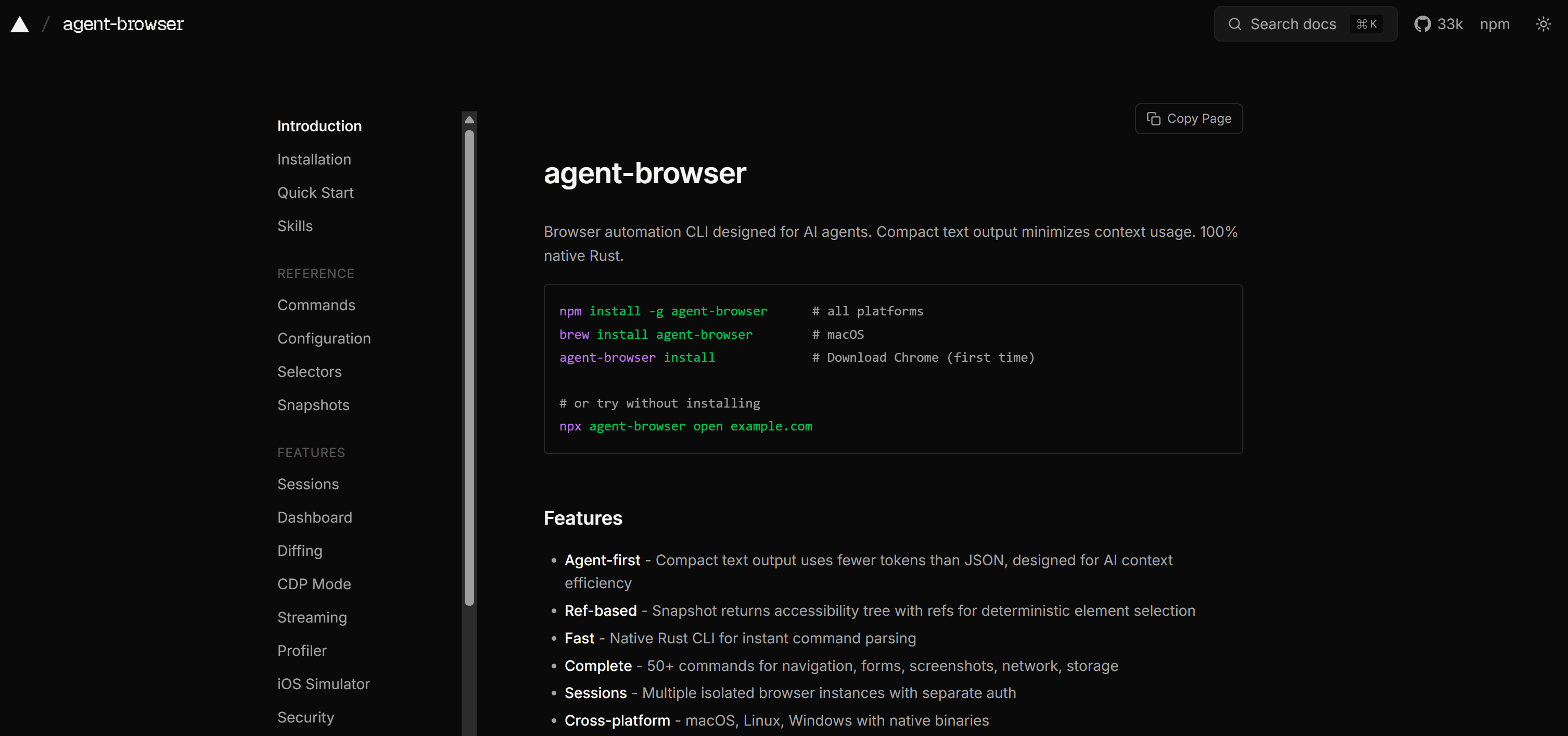
agent-browser is an open-source, agent-first browser automation CLI and daemon developed by Vercel. It supports navigation, interactions, screenshots, sessions, and wireframes for LLM-driven workflows. It uses compact accessibility snapshots and ref-based element selection for low-token browser control.
Best for: AI-driven, token-efficient local browser automation for LLM-powered or agentic applications.
Features:
- Compact text snapshots that return an accessibility tree with stable refs for deterministic element selection.
- Native Rust CLI plus a persistent daemon for low-latency local browser control.
- 50+ commands covering navigation, forms, screenshots, network, storage, and session management.
- Multiple isolated sessions to keep separate authentication and state per agent.
Supported use cases:
| Use case | Description |
|---|---|
| Agentic browsing | Let LLMs perform multi-step web interactions. |
| Automated navigation and interaction | Drive clicks, typing, form fills, and scrolling via scripts or agents. |
| Screenshot workflows | Generate screenshots for competitor monitoring or downstream LLM analysis. |
| Sessioned automation | Maintain persistent browser sessions for separate accounts or long-running agent workflows. |
Supported integrations: Claude Code/Desktop, Cursor, GitHub Copilot, OpenAI Codex, Google Gemini, and opencode, as well as any agent capable of running shell commands. It also supports the Vercel AI SDK, comes with an MCP server, and provides official Agent Skills.
Additionally, it integrates natively with Browser Use, Browserbase, Browserless, AgentCore, Kernel, and any CDP-compatible remote browser, with support for both Chrome and Lightpanda browser engines.
Market stability: Backed by Vercel, a company generating hundreds of millions of dollars in revenue and which closed a $300 million Series F round in late 2025. Also supported by over 114 contributors on GitHub.
Pricing: Free and open source.
👍 Why migrate to it:
- Ref-based snapshots drastically reduce LLM context tokens.
- First-class AI agent support via MCP, Agent Skills, and the Vercel AI SDK.
- Rust-based CLI and daemon provide low latency and deterministic browser control.
👎 Why NOT migrate to it:
- Requires a third-party cloud browser integration for cloud execution.
- No built-in support for anti-bot or stealth tooling.
- Requires managing your own infrastructure and orchestration.
7. Axiom
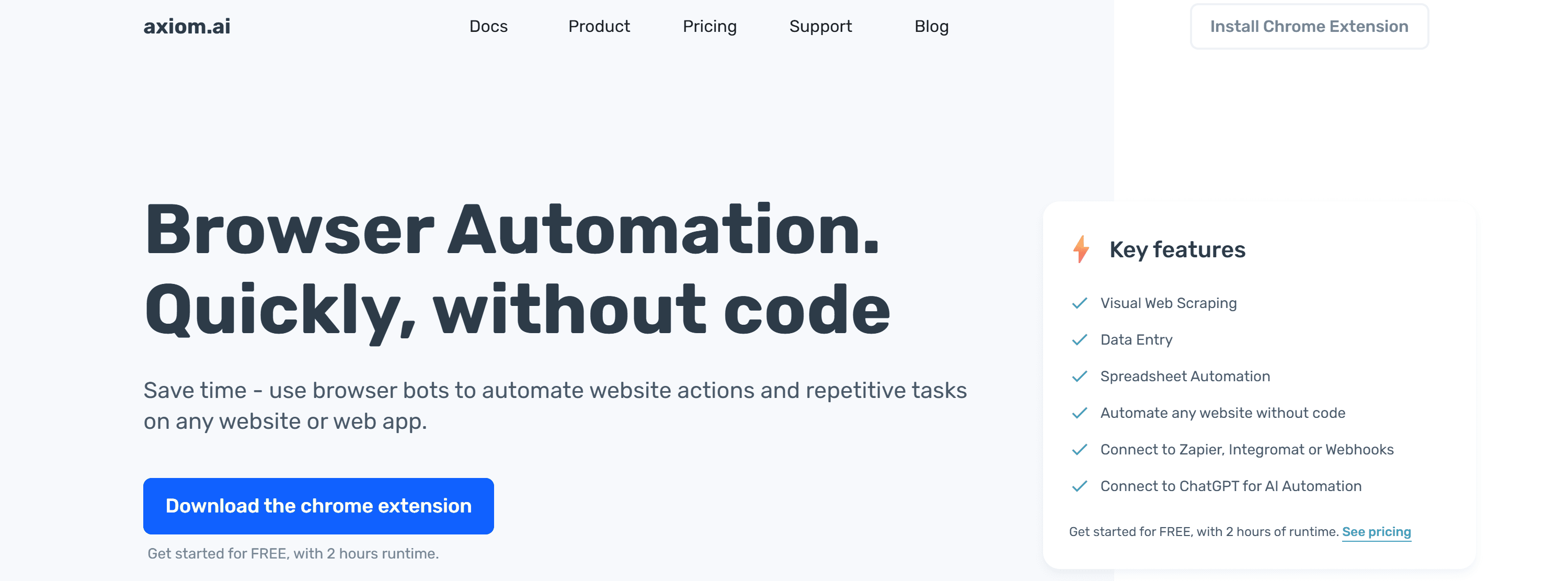
Axiom is a browser automation and RPA platform built around a Chrome extension, offering both no-code and code-based bot building. Recording clicks and keystrokes directly in the browser allows even non-technical users to create autonomous bots. Automations can run locally in your desktop browser or in the cloud, can be scheduled or triggered, and integrate with APIs, webhooks, and more.
Best for: Extension-based no‑code browser automation.
Features:
- Point-and-click interface for defining automation logic.
- Support for automated data entry and form submission in multi-step workflows.
- Hybrid no-code + JavaScript scripting for maximum control.
- Cloud and desktop execution environments.
- Scheduling with runtime controls, including timezone configuration and execution limits.
Supported use cases:
| Use case | Description |
|---|---|
| Web scraping automation | Build no-code scrapers to extract HTML, text, files, and links using logic, loops, filters, and actions. |
| Data entry automation | Automate form filling, text input, and file uploads using a visual builder with actions, conditions, and reusable logic. |
| Social media automation | Automate posting, commenting, liking, and messaging across social platforms without code. |
Supported integrations: APIs and webhooks, along with Zapier and Make connectors. It also offers built-in support for Google Sheets and LLM integrations such as ChatGPT, Claude, DeepSeek, Gemini, and Sonar.
Market stability: Company backed by Y Combinator and SAP, with a 4.5/5 rating on the Chrome Web Store (based on 239 ratings).
Pricing:
| Plan | Price | Runtime included | Concurrency | Single-run limit |
|---|---|---|---|---|
| Starter | $15/mo | 5 hours | Unlimited concurrency on desktop setups, 1 cloud bot | 1 hour |
| Pro | $50/mo | 30 hours | 1 cloud bot | 2 hours (cloud) |
| Pro Max | $150/mo | 100 hours | 2 concurrent cloud bots | 3 hours (cloud) |
| Ultimate | $250/mo | 250 hours | 20 concurrent cloud bots | 12 hours (cloud) |
A free trial with 2 hours of runtime is available to try the extension and cloud runs.
👍 Why migrate to it:
- Fast no-code builder with optional code for added flexibility, with specific options for social media automation.
- Native built-in AI integrations.
- Runs in both the cloud and desktop environments.
👎 Why NOT migrate to it:
- Extension-first architecture.
- Cloud concurrency limits apply.
- CAPTCHA solving and proxy support aren’t built in and require third-party integrations.
8. CloudBrowser AI
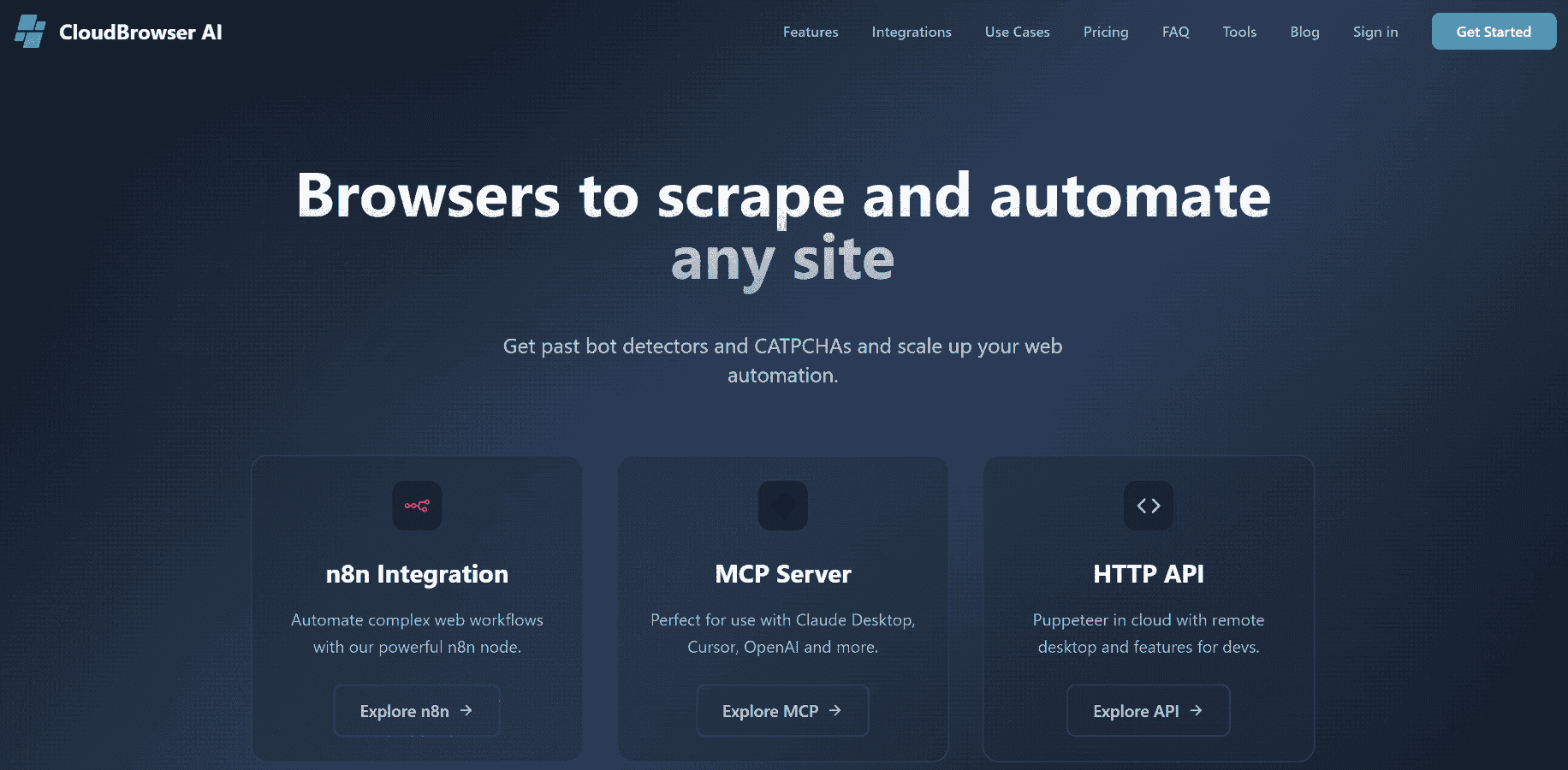
CloudBrowser AI is a cloud-hosted browser automation platform that runs real browsers at scale. It combines anti-detection tooling, proxy support, and remote desktop debugging. It exposes HTTP APIs, comes with an MCP server for AI agents, and offers no-code workflow nodes and developer SDKs. This Nextbrowser alternative is built for automated web workflows and production-grade data extraction.
Best for: Stealthy browser automation and AI-driven web workflows that need enterprise security and privacy.
Features:
- Built‑in stealth and anti-detection features to reduce blocking.
- Premium proxy support for geographically distributed requests and session isolation.
- Live remote desktop debugging to watch and inspect cloud browser sessions live.
- Persistent browser sessions so agents and workflows can reconnect without cold starts.
- Puppeteer-first developer tooling with SDKs and npm/NuGet clients for multi-language use.
Supported use cases:
| Use case | Description |
|---|---|
| E-commerce price monitoring | Visit competitor websites, extract pricing data, and generate comparative reports. |
| Market research and competitor analysis | Crawl and synthesize market data into structured insights for analysis. |
| Online reputation monitoring | Track mentions across social media, forums, and review sites to trigger alerts and support responses. |
| Automated bookings and purchases | Monitor availability and execute booking or purchasing flows when predefined conditions are met. |
Supported integrations: Exposes HTTP APIs for programmatic control and comes with MCP server support. It also provides Node.js and .NET SDKs clients, an n8n node for visual workflow automation, as well as a public Agent Skills repository.
Market stability: Unknown, as very little public information is available online. No reviews were found on Google, Trustpilot, G2, Capterra, or similar platforms, and SDKs and the MCP server appear to have very limited adoption (<50 monthly downloads).
Pricing:
| Plan | Price | Included browser hours | Concurrent instances | Features |
|---|---|---|---|---|
| Basic | $25/mo | 100 browser hours | 10 | Premium proxy, live remote desktop |
| Premium | $90/mo | 500 browser hours | 25 | Premium proxy, priority support |
| Custom | Custom | Custom | Custom | Tailored plan based on requirements |
A 7-day free trial is available, along with a 14-day money-back guarantee on all plans.
👍 Why migrate to it:
- All-in-one solution with anti-detection, proxy support, and persistent sessions, similar to Nextbrowser.
- MCP server, Agent Skills, and an n8n node for straightforward integration with AI agents and workflows.
- Enterprise-grade security and reliability (SOC 2 + 99.9% uptime SLA).
👎 Why NOT migrate to it:
- No permanent free tier.
- No specialized social media campaign tooling.
- Unknown financial stability and market position.
9. Cloudflare Browser Run
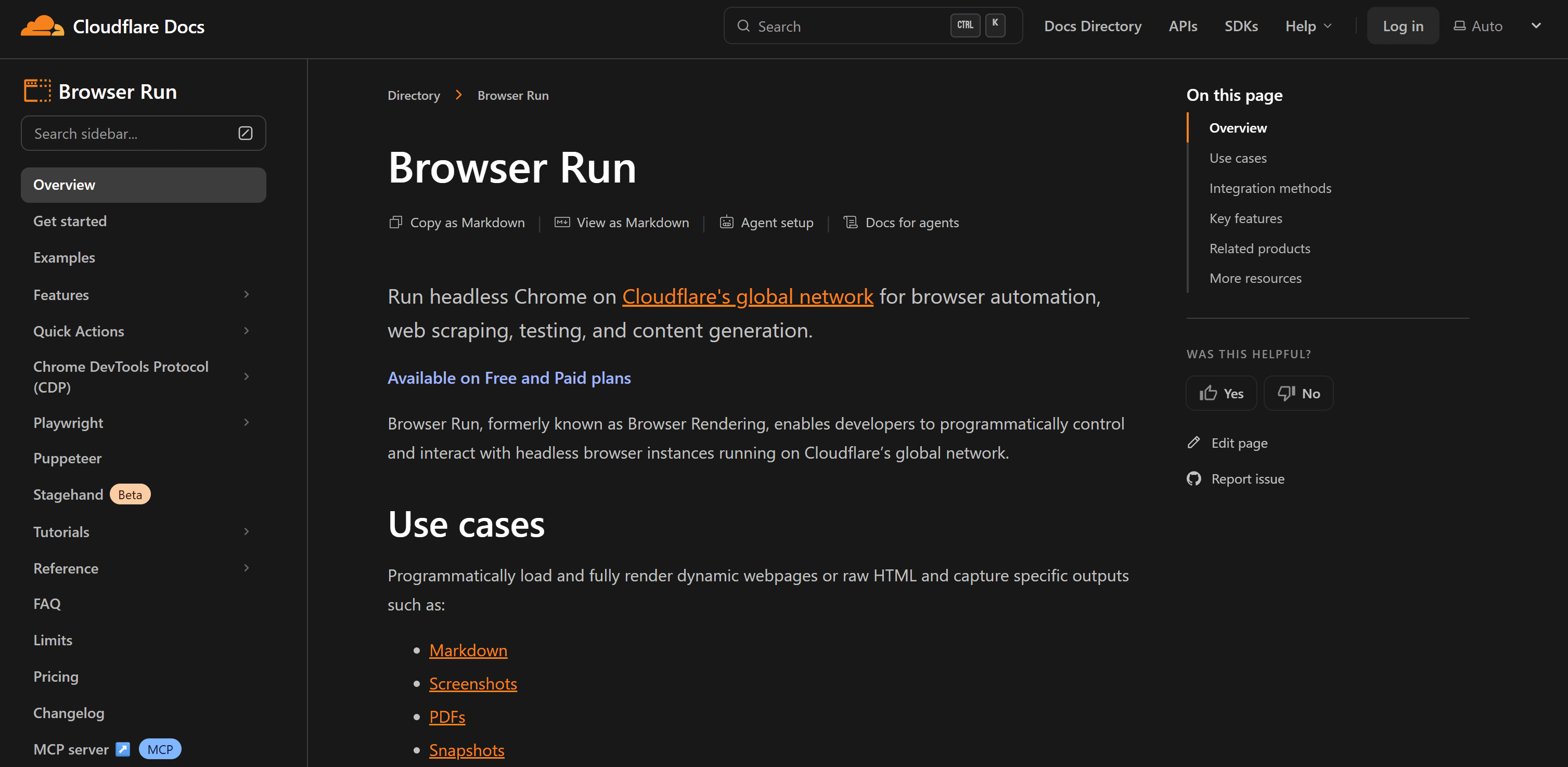
Cloudflare Browser Run is a browser automation service running headless Chrome on Cloudflare’s global edge network. It enables programmatic navigation, data extraction, and rendering of dynamic web pages. Note that it doesn’t come with an anti-bot bypass toolkit. Thus, it can’t be used to automate access to protected websites.
Best for: Compliant browser automation for tasks requiring high performance and scalability.
Features:
- Access to a remote, global pool of browsers with low cold-start times.
- Reuse browser sessions to avoid cold starts by reconnecting to existing instances.
- Capture session recordings as lightweight structured event logs of DOM changes, inputs, and navigation.
- Support human-in-the-loop workflows, enabling manual control for login, MFA, or other edge cases.
- Inspect and interact with running browser sessions in real time for debugging and monitoring.
Supported use cases:
| Use case | Description |
|---|---|
| Simple browser tasks | Single-request operations such as screenshots, PDFs, or structured data extraction without requiring code setup. |
| Full browser automation | Control browsers to execute multi-step workflows and custom scripting. |
| AI agent browsing | Enable LLMs to navigate and interact with websites autonomously. |
| Web scraping | Extract data reliably from web pages, even when layouts or page structures change. |
| Site-wide crawling | Automatically crawl multiple pages and discover links across a website. |
Supported integrations: REST APIs and webhooks, along with integrations for Playwright, Puppeteer, CDP-compatible tools, and Stagehand. It also supports MCP-compatible solutions, including WebMCP-compatible tools, as well as providing official Agent Skills.
Market stability: Backed by Cloudflare, a public company with $2.168 billion in revenue in 2025 and millions of customers.
Pricing:
| Usage | Pricing details |
|---|---|
| Quick Actions | Charged only based on browser hours. |
| Browser Sessions (Puppeteer, Playwright, CDP) | Charged for both browser hours and concurrent browser usage. |
| Workers Free | Includes 10 minutes of browser time per day and supports up to 3 concurrent browsers. |
| Workers Paid | Includes 10 hours/month, then $0.09 per additional hour. Supports up to 10 concurrent browsers, then $2 per additional browser. |
👍 Why migrate to it:
- Edge-scale performance and low latency.
- Advanced features like human-in-the-loop and WebMCP support.
- Built-in observability.
👎 Why NOT migrate to it:
- No anti-bot bypass tooling.
- Usage-based pricing is less predictable than fixed subscription models.
- Lacks social-media-specific automation features.
Migrating from Nextbrowser to your browser automation solution
Selecting the right Nextbrowser alternative depends less on “which tool is best” and more on your team’s technical skills, budget, and the level of control you need over browser automation workflows.
As a rule of thumb:
- DIY + flexibility → Apify, Browserbase
- Multi-account workflows → Multilogin
- Open-source or self-hosted stacks → Browser Use, Skyvern,
agent-browser - No-code automation → Axiom
- Enterprise stealth automation → CloudBrowser AI
- Compliant, large-scale browser execution → Cloudflare Browser Run
Conclusion
In this blog post, you learned why Nextbrowser was closed and the key criteria for choosing strong alternatives. We reviewed and compared the leading browser automation, RPA, and multi-account social media management tools as Nextbrowser alternatives: Apify, Browserbase, Multilogin, Browser Use, Skyvern, agent-browser, Axiom, CloudBrowser AI, and Cloudflare Browser Run.
Apify stands out for its versatility. It lets you build custom RPA workflows while also offering a large marketplace of ready-made browser and social media automation Actors.