
How do you stop your agents from hallucinating? Improve your agent’s context. Agents are genuinely good at coding, analysis, and automation, especially when they know what they're working with. The trick is feeding them the right information, and there are a few ways to do that: MCP Servers, AGENTS.md files, and the relatively new format of Agent Skills introduced by Anthropic.
What are Agent Skills?
Skills are an open standard for giving agents domain-specific capabilities and expertise. Claude Code, Cursor, Goose, Amp, GitHub Copilot, Gemini CLI, VS Code - most of the major AI agents support them.
Think of a skill as a set of instructions for a new coworker. Everything they'd need to finish a specific task: how to write the code, what tools to use, which templates to utilize. An agent invokes the right skill when it needs it, so you're not front-loading every possible instruction into a single prompt and polluting the context window.
A skill can also bundle scripts, templates, MCP servers, and config files alongside the instructions. It's not just text, as you can see in the skills folder structure:
my-skill/
├── SKILL.md          # Required: instructions + metadata
├── scripts/          # Optional: executable code
├── references/       # Optional: documentation
└── assets/           # Optional: templates, resources
Skills evolve. You update them as you learn what works, the same way you'd get better at something yourself by doing it over time.
MCP servers vs. Agent Skills
MCP gives your agent access to external tools and services. Skills teach it how to use them well.
An MCP server is the connectivity layer - it exposes capabilities like "call this API" or "run this Actor." But connecting an agent to 60 tools doesn't mean it knows which tool to pick, what inputs to pass, or how to chain results into a multi-step pipeline. Without guidance, it falls back on trial and error, burning tokens and requiring manual steering from the user.
Skills are the enablement layer on top. They give the agent instant domain expertise: which tool to use for which task, what best practices to follow, what mistakes to avoid, and how to combine multiple tools into workflows. MCP provides the hands. Skills provide the know-how.
How to make good Agent Skills?
Start small. A skill doesn't need to be perfect on day one - treat it as a prototype you'll keep editing. The more you use a skill, the faster you'll spot what's missing, what's unnecessary, and what needs rewording. Delete stuff that doesn't help. Add stuff you keep repeating manually.
A few things to keep in mind:
- Keep the main SKILL.md file short. Under 500 lines, ideally much less. If a skill file is getting long, it's probably doing too much.
- One skill, one job. A skill that handles "deployment, testing, and database migrations" is three skills pretending to be one. Split them up.
- Write a clear description. Tell the agent what the skill does and when to use it. Just as important: tell it when NOT to use it.
- Test it, then test it again. Run the skill on real tasks and watch what the agent actually does. If it misinterprets an instruction or skips a step, that's feedback on your wording. Tweak, rerun, repeat.
Once you've built a few skills, the shift in how you work becomes obvious. Instead of configuring and debugging deterministic automations, you describe what you want and let the agent figure out execution.
From workflow builders to agentic pipelines
Agent skills are driving a shift in AI automation that's easy to miss if you're only looking at individual tools. The new generation of models (post-Opus 4.5 era) combined with coding agents like Claude Code, Cursor, Codex, and Gemini CLI changes the game. These agents can reason through multi-step problems, choose the right tools, handle errors, and adapt on the fly.
Domain-specific skills combined with capable AI agents unlock a category of automation that didn't exist before. You can describe a complex data pipeline in natural language:
And the agent will figure out the execution plan, select the right tools, chain them together, and deliver results. No wiring of drag-and-drop nodes and hours spent on JSON schema debugging.
Does this mean automation tools like Make, n8n, or Zapier are dead? Not at all. For repeatable deterministic workflows that run on a schedule, at scale, with predictable inputs and outputs, visual builders still make a lot of sense. They give you clear observability, version control, and predictable costs.
But for exploratory, ad-hoc, or ambiguous tasks - competitor research across 15 data sources, one-off market entry analysis, scraping platforms you've never touched - a visual builder is overkill. You'll spend more time configuring the workflow than analyzing the data you need. And you'll probably never run it again.
That's the gap agentic automation fills. You describe the outcome, give your agent the right skills and tools, and it figures out the how autonomously.
Apify Agent Skills
We used the same principles to create Apify Agent Skills. We have a skill for developing your own Actors, and one for scraping and data extraction across every major platform on the web.
Getting started
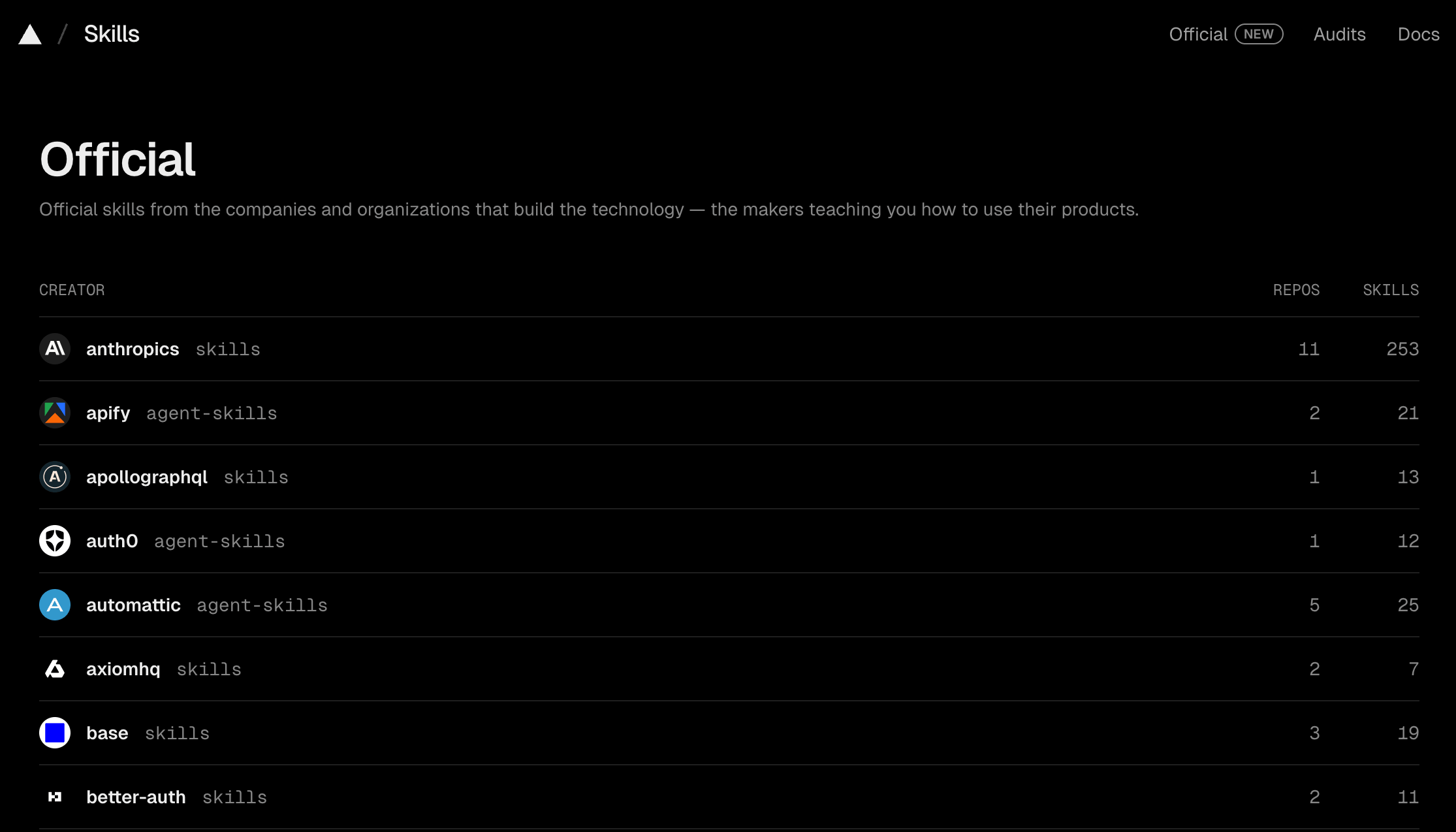
You can use the skills.sh CLI utility to install Apify Agent Skills in your local environment:
npx skills add apify/agent-skills
This clones the repository, lets you choose which skills to install, which AI client to enable them for, and whether they should be global or project-scoped.

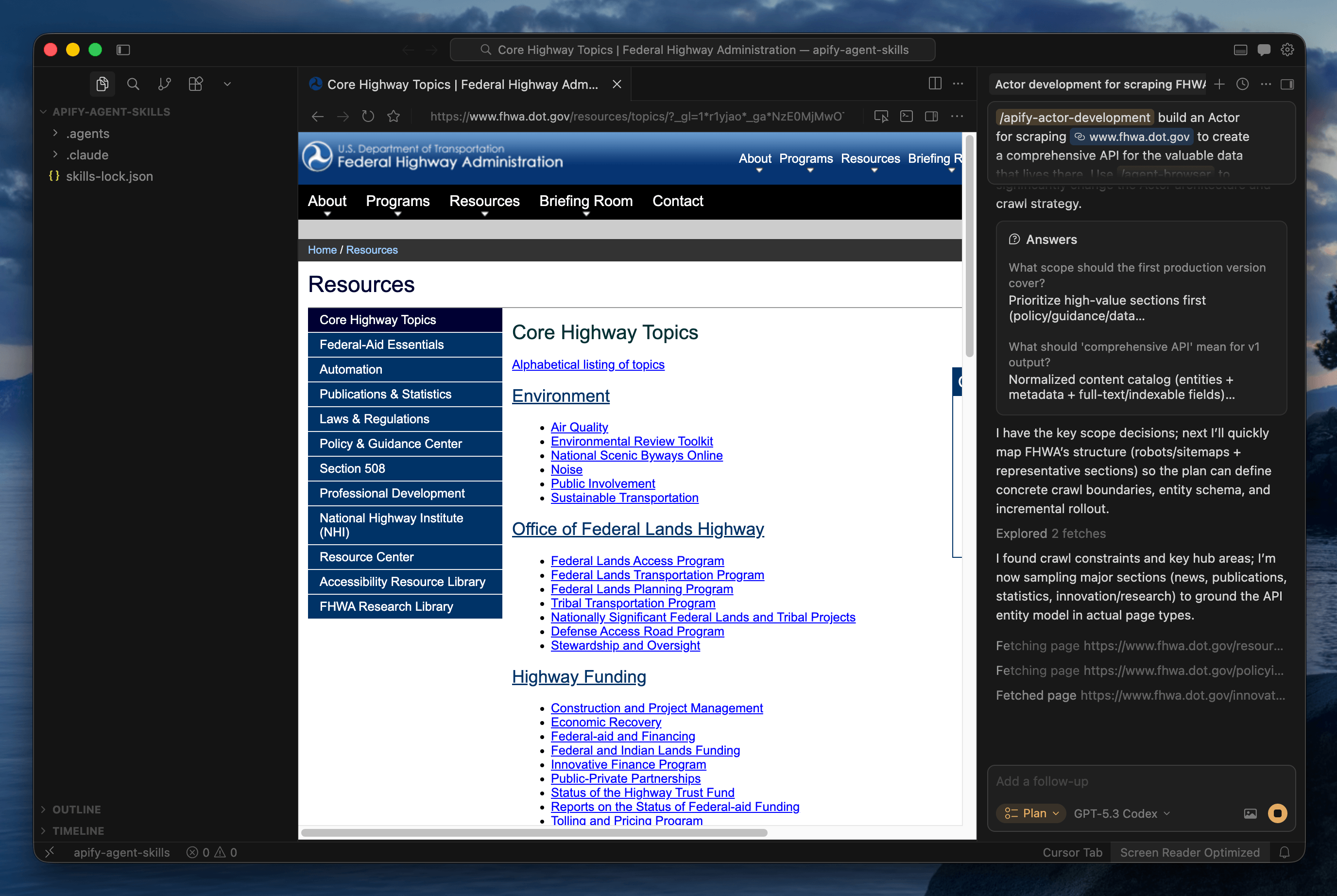
Apify Actor Development skill
If you have a project idea you want to build for your own use case - or even monetize - you can develop your own Apify Actors. Actors are serverless cloud programs inspired by the UNIX philosophy: do one thing well, accept structured input, produce structured output, and compose with other Actors to build complex systems.
By publishing your Actor on Apify Store, you skip the complexity of building a traditional SaaS product. The platform handles infrastructure, billing, and distribution. You focus on the code.
AI-assisted coding can help you through the entire process. Here's how the Actor Development skill works:
- Template selection - JavaScript, TypeScript, or Python. The skill asks your preference, then scaffolds the project with
apify createusing the right template and dependency setup. - Best practices baked in - CheerioCrawler for static HTML (10x faster than browser-based scraping), PlaywrightCrawler only when JavaScript rendering is actually needed. Proper input validation,
apify/logfor safe logging that censors sensitive data, and retry strategies with exponential backoff. - Full lifecycle management - the skill configures input/output schemas, sets up local testing with
apify run, and deploys to the cloud withapify push. It knows the Apify CLI and SDK, so your agent doesn't have to figure them out from the docs. - Documentation and monetization - generates a Store-ready README, configures the Actor metadata, and prepares the listing. The Apify platform handles billing, so you can earn from day one.
What can you build with it?
- Niche data sources: Scrape .gov databases, NGO grant programs, academic repositories, or any site not yet covered in Apify Store. If the data exists on the web, you can build an Actor for it.
- Specialized AI agents: Create and monetize Actors for specific business verticals: real estate intelligence, legal document processing, and financial data aggregation. List them on Apify Store for others to use and pay for.
- Community-requested projects: Browse apify.com/ideas for a curated list of high-demand scraping and automation ideas submitted by the community. Pick one, build it, publish it.
To see the full details, check out the apify-actor-development skill on GitHub.
Actorization and output schema generation
The repo includes two more skills that handle specific steps in the Actor lifecycle. Actorization takes an existing codebase - JavaScript, TypeScript, Python, or any other language via a CLI wrapper - and converts it into a deployable Actor. It handles SDK integration, schema setup, local testing, and deployment. If you have a working script you want on the platform, this is the fastest path.
Generate output schema picks up after you’re done deploying the functional Actor on the platform. It reads your Actor's source code, traces the actual data being pushed, and generates production-ready schema files so Apify Console knows how to display your results. No guessing - just accurate output definitions based on what your code actually does.
Apify Ultimate Scraper skill
Most valuable data on the web lives behind locked doors. Social media platforms, e-commerce marketplaces, real estate aggregators, and local business directories actively fight automated extraction. Your agent might be smart, but without the right infrastructure, it can't get through.
The Ultimate Scraper skill gives your coding agent access to purpose-built, Apify-maintained Actors covering every major platform.
Here's how it works:
- Automatic Actor selection: Describe your goal in natural language, and the skill routes your agent to the right Actor. Need Instagram engagement metrics? It picks Instagram Profile Scraper. Need business listings with emails? Google Maps Email Extractor.
- Apify Store discovery: When your use case demands niche data sources not covered by Apify-maintained Actors, the agent autonomously searches the entire Store ecosystem to find what you need.
- Cross-domain workflows: Chain multiple extractions in a single conversation. Scrape leads from Google Maps, enrich them with Instagram data, and score against your criteria - all in one go.
- Production-grade infrastructure: Behind every Actor is Apify's scraping infrastructure handling proxy rotation, browser fingerprinting, CAPTCHA solving, and anti-bot bypass. Your agent gets clean, structured data without worrying about the plumbing.
- Cost estimates: Wondering how many Apify credits a pipeline will consume? Just ask your agent.
- Flexible output: Quick answer in chat, or full dataset export as CSV or JSON.
When your agent has access to all these data sources, it can suggest workflows you wouldn't have thought to build yourself.
To see the full details, check out the apify-ultimate-scraper skill on GitHub.
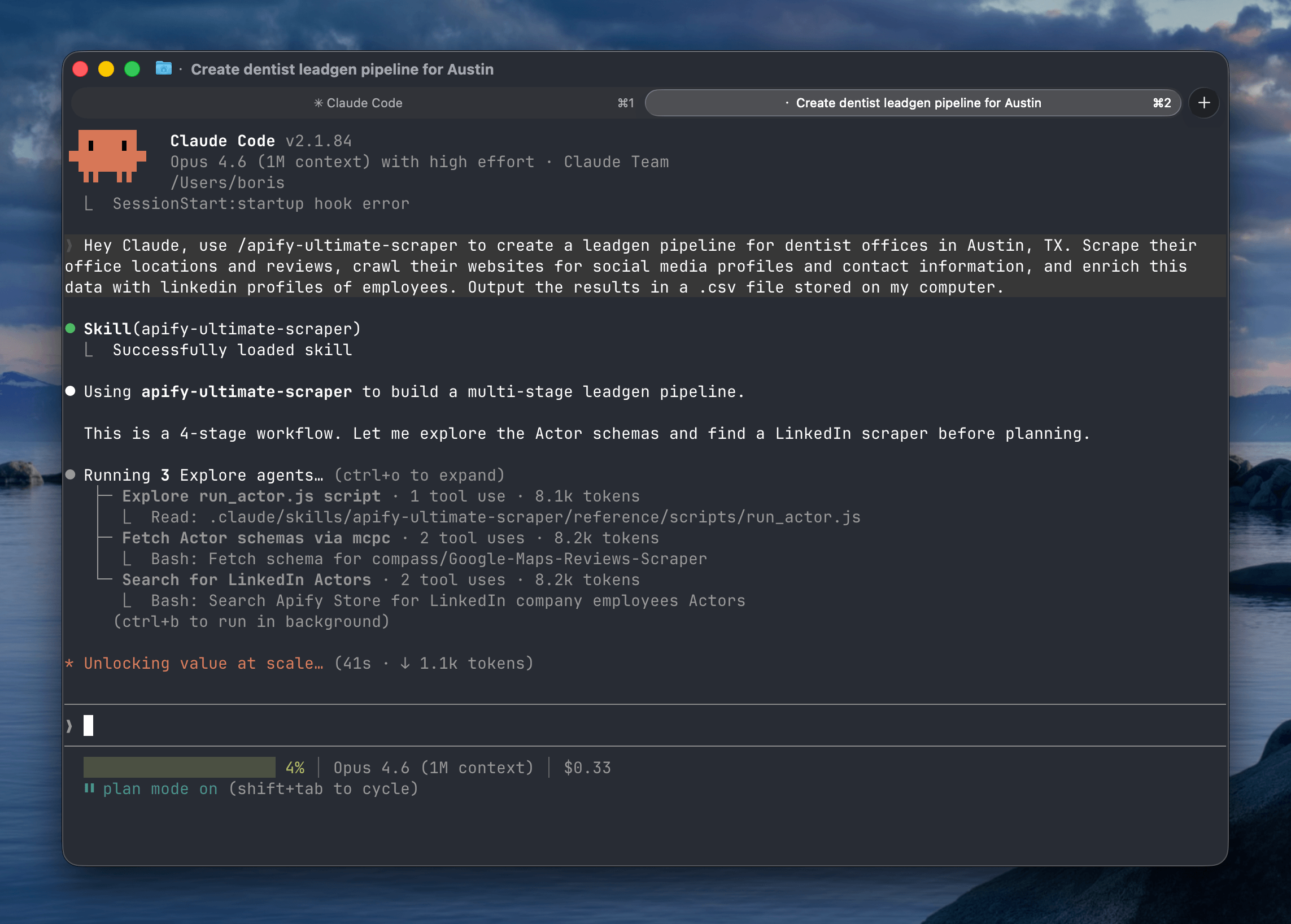
Example prompts you can use with Ultimate Scraper
Describe what you need in plain language. Your agent picks the right Actors, chains them together, and delivers structured results.
| Use case | Example prompt |
|---|---|
| Lead generation | Find all Italian restaurants in Brooklyn on Google Maps with fewer than 4 stars. Scrape their reviews, crawl their websites for social media profiles and owner emails and phone numbers. Export a ranked CSV I can import into my CRM. |
| Competitive intelligence | Pull pricing pages, G2 and Trustpilot reviews, recent job postings, and social media posts and their engagement rates for Competitor A, Competitor B, and Competitor C. Summarize positioning gaps and opportunities. |
| Market entry research | Scrape pricing, review counts, seller ratings, and bestseller rankings for wireless earbuds across Amazon and Walmart. Flag quality issues from negative reviews and recommend a pricing sweet spot for my product. |
| Brand reputation audit | Collect all mentions of [brand] on Instagram, LinkedIn, X, and YouTube from the last 30 days. Run sentiment analysis and surface the top 5 recurring complaints and praise themes. |
| Influencer vetting | Find 20 fitness influencers with 50k-500k followers on Instagram and TikTok. Scrape real engagement rates, posting frequency, and past brand deals. Rank by engagement-to-follower ratio, not follower count. |
| AI search visibility | Run these 10 queries across Google AI Mode, Perplexity, and ChatGPT. Extract which brands get cited in each answer and their sources and flag where competitors appear instead of us. |
| Location intelligence | Scrape Google Maps for all coffee shops within 2 miles of these 5 addresses. Compare competitor density, average ratings, price levels, and operating hours. Recommend the best location for a new store. |
Community skills
The two core skills cover both sides of what makes the Apify platform valuable. But the beauty of the skills format is that anyone can build one for their specific use case.
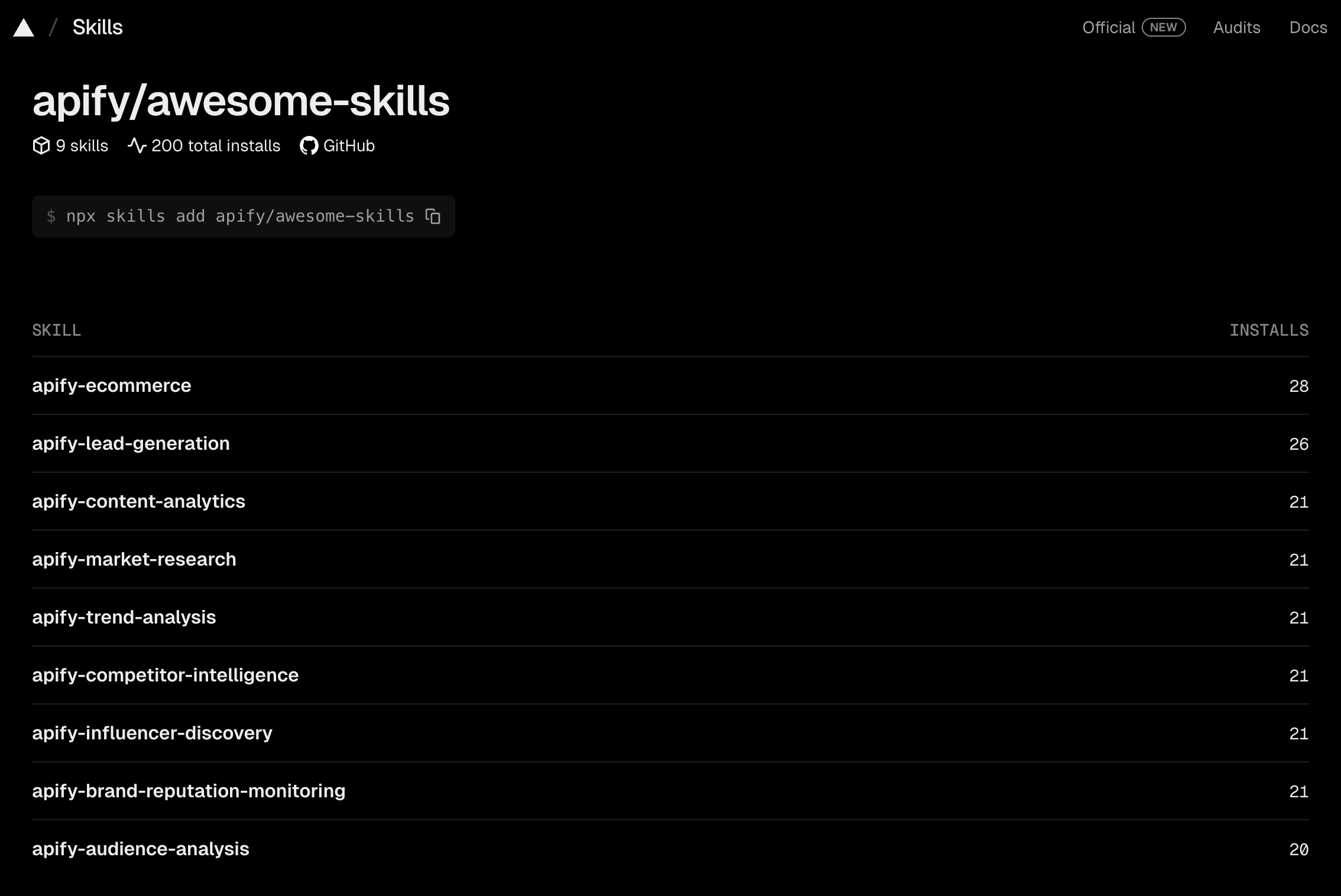
We're also launching apify/awesome-skills - a community-driven repository for vertical, niche, and experimental skills built on top of the Apify platform. Built a workflow that works well for your domain? Package it as an agent skill and submit a PR.
Conclusion
If you're running coding agents without domain-specific skills, you're leaving capability on the table. Start with one skill, run it on a real task, and see what changes.