Getting people to use your Actor isn’t easy. First they have to find it, then figure out how to configure it. Luckily, the new task example feature can help you with both. Let’s go through a few examples.
Position your Actor for what people look for
I spent the last nine years building web scraping and automation workflows for clients. Most of them don’t care about web scraping. Plenty don’t even know what it is.
What they care about is more leads, more customers, and more revenue. The tool behind that doesn’t matter to them. The same goes for your Actor. It’s a tool, but the people who need it are looking for a result, so that’s what your README should speak to. Add a use case section that shows what your Actor can do.
Take my own Actor, TrustMRR Scraper. It pulls data on any startup listed on TrustMRR. Some keyword research showed that the search term most associated with TrustMRR is “monitoring”, so I published a few task examples built around monitoring use cases, then added a use case section to my README and linked the two together:
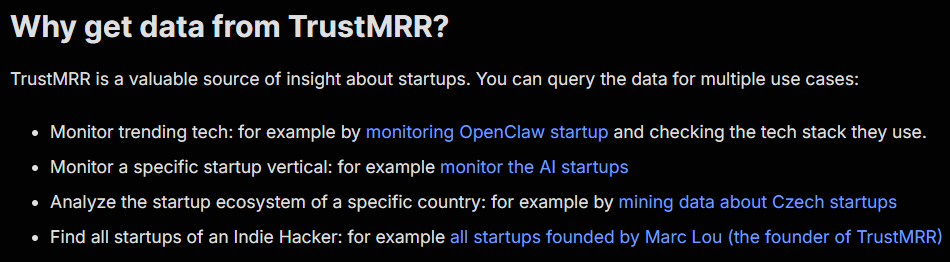
Within a month of publishing those tasks, organic traffic to my Actor page doubled, and search impressions grew 10x:

Positioning your Actors for the AI age
Most Actors on Apify Store are web scrapers, so publishing a task example aimed at collecting large language model training data is a quick way to reposition a scraper as a tool for AI.
RAG Web Browser does this well:
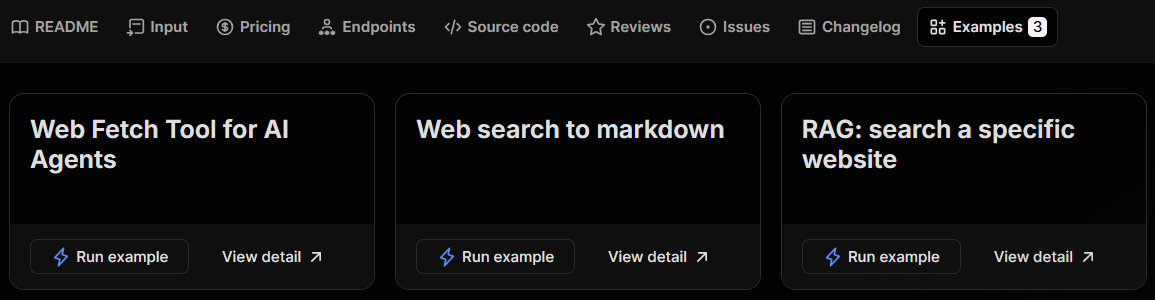
Its task examples target AI-related keywords like “fetch”, “AI agents”, “Markdown”, and “RAG”.
Another angle is to show that your Actor can pull AI-related data. As AI goes mainstream, more sites are adding dedicated AI sections.
For example:
- Medium has an AI tag, so if you have a Medium scraper, publish a task example that scrapes Medium’s AI tag.
- GitHub works the same way: you can publish a task that finds AI agent repositories.
site: operator. For example, “AI site:medium.com”.Improve your Actor usage with task examples
In addition to boosting your organic traffic, task examples are a great way to teach your users how to use your Actor.
This is particularly important for versatile Actors: RAG Web Browser, for instance, can either fetch a single page or run a Google search and fetch every result page. That’s hard to explain in a README alone.
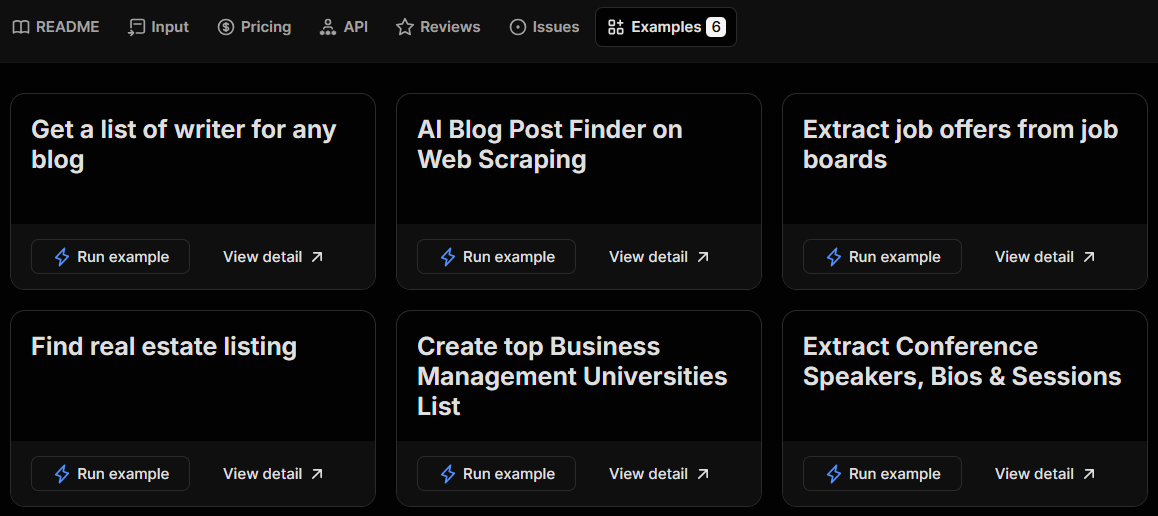
AI Web Scraper is another good example:
You've seen how task examples can pull in organic traffic and teach users how to configure your Actor. Now it's your turn: publish a few tasks and see it work on your own Actor.