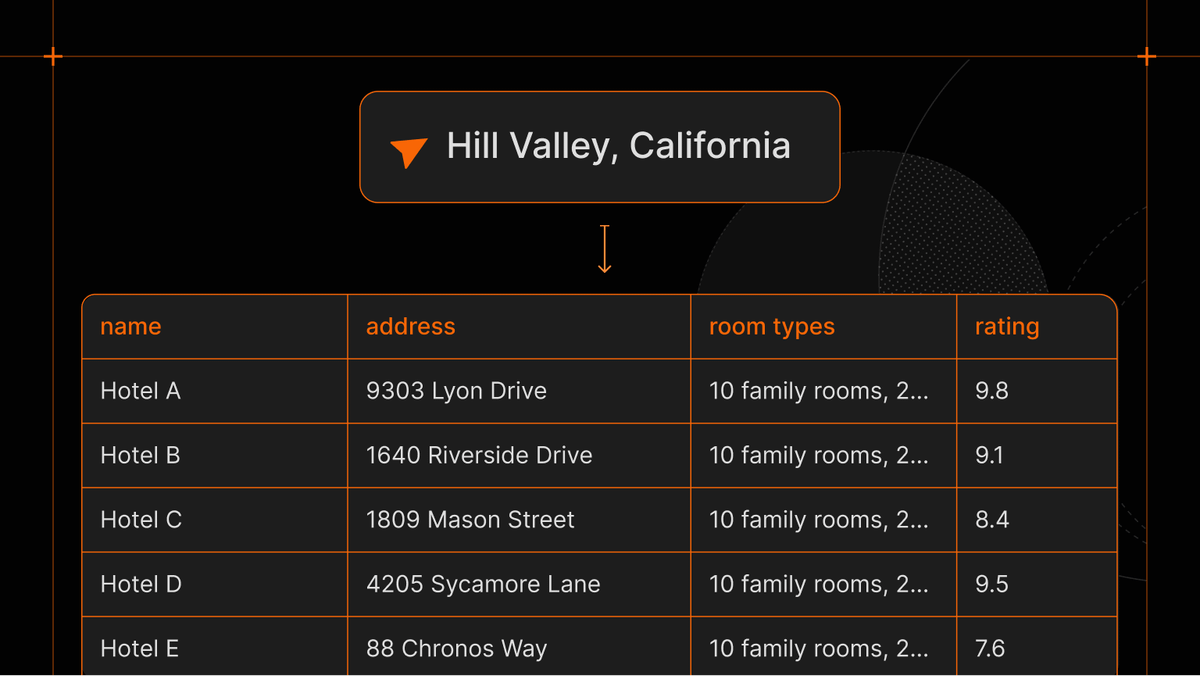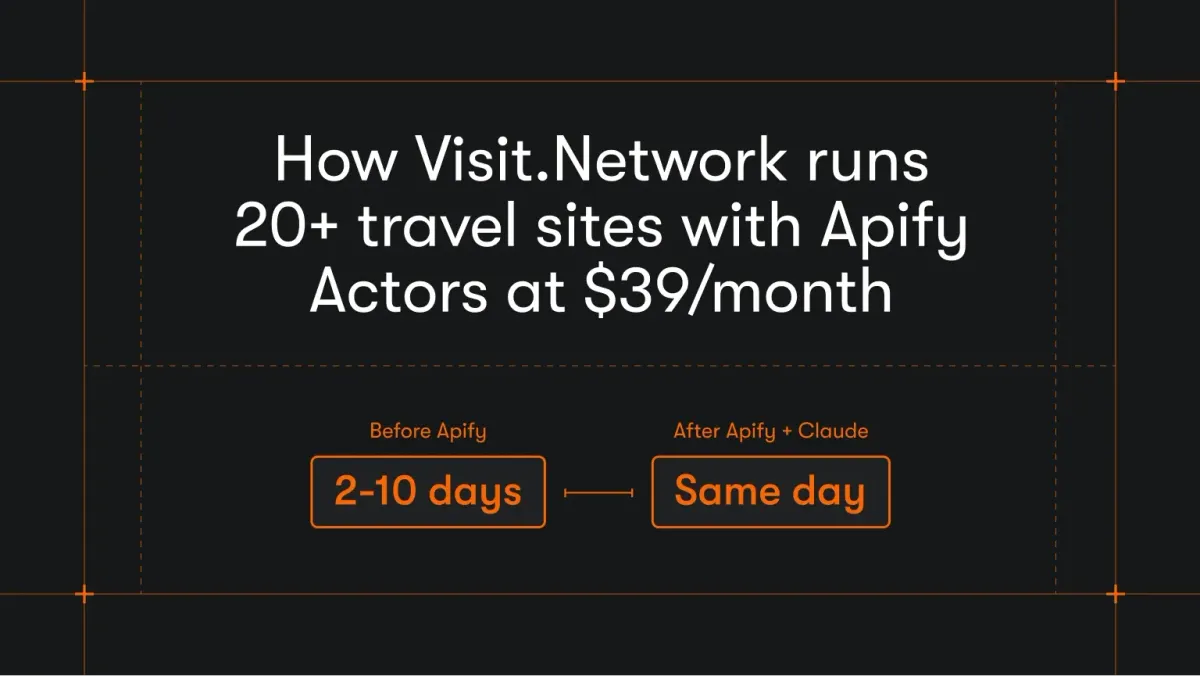

Tripadvisor covers over 8 million locations, with more than 1 billion reviews across 28 languages, making it a rich source of market research data. However, access to this data through the official Tripadvisor Content API is significantly limited.
The API enforces strict restrictions on both the type and volume of data that can be extracted:
- Only a small subset of content is available via the API compared to what appears on the Tripadvisor website
- Review and photo endpoints return only a limited number of items per location (typically up to 5 reviews and 5 photos)
- New developers receive around 5,000 free API calls per month, but billing information is required upfront
- Usage is governed by a daily budget that you must configure in advance; once the limit is reached, requests are blocked
- Certain endpoints, such as search, are capped at roughly 10,000 requests per day
- Only one API key is allowed per account, making it difficult to scale usage across teams or projects
If you require a vast amount of data beyond the API's quotas, you may need to explore alternative data sources or methods, such as using a scraper.
How to scrape data from Tripadvisor
To extract hotel data from Tripadvisor, follow our 5-step guide:
- Open Tripadvisor Scraper.
- Choose the location, URLs, and Tripadvisor places you want to scrape.
- Pick dates, language, and currency.
- Click Start ▶ to begin scraping.
- Download your Tripadvisor dataset in JSON, Excel, CSV, or export it via API.
Do you prefer watching a video? Here's shortened version of this tutorial with examples.
Step 1. Go to the Tripadvisor Scraper page
Click the Try for free button. If you already have an Apify account, you’ll be taken straight to Apify Console.

If you don’t have an Apify account, you can sign up for free using your email address, Google, or GitHub.
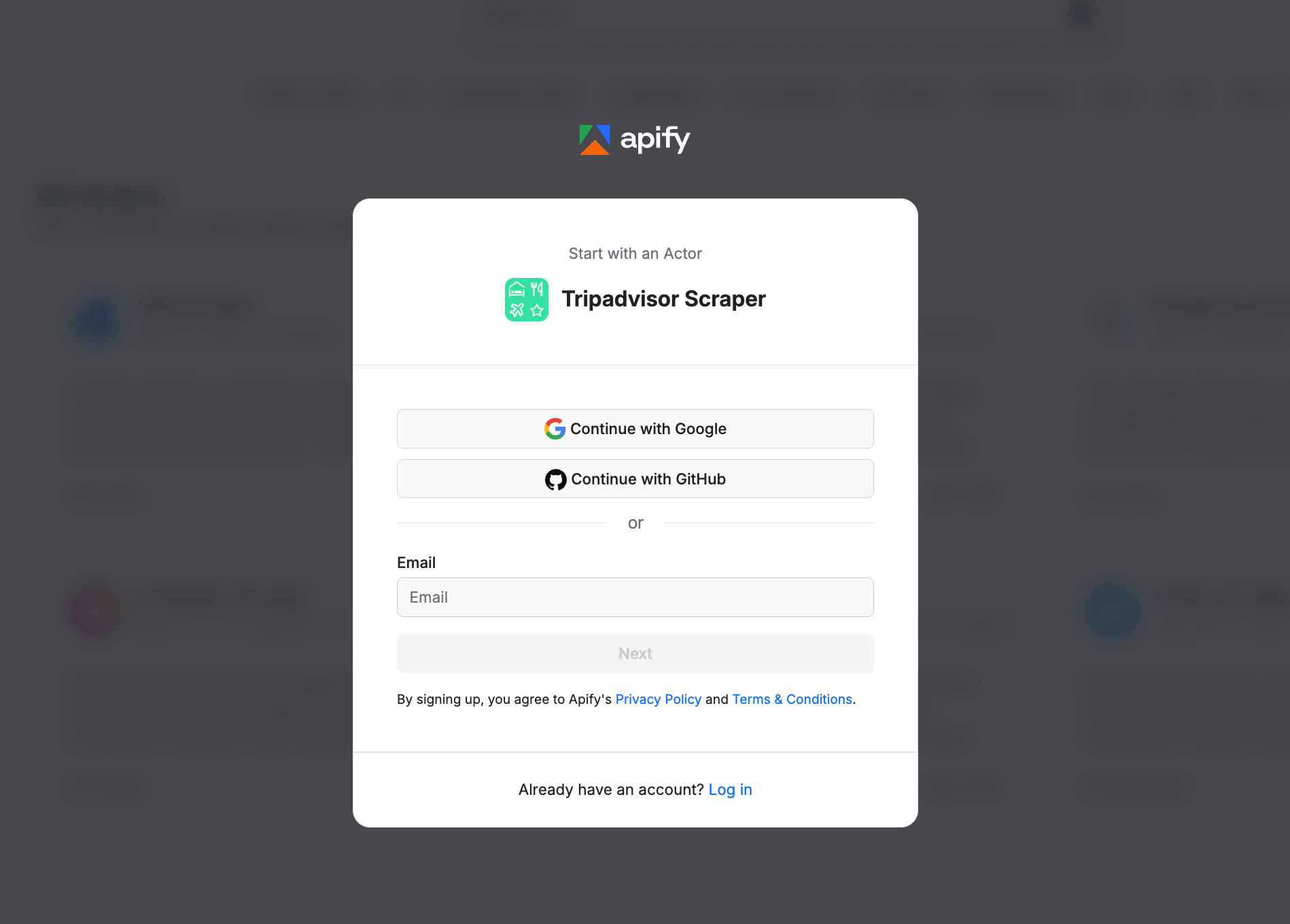
Once you've signed up for a free plan, you'll be directed to Apify Console, where you can configure and run the scraper.
Step 2. Choose the location you want to scrape
Type in or paste the location term you want to scrape Tripadvisor places from. You can search for data from hotels, vacation rentals, restaurants, or attractions from anywhere in the world as long as this place is on Tripadvisor. For example, if you're planning a trip to Australia, you can search for information on Australia's tourist attractions, hotels, and transportation options. That same place data is a solid starting point if you're building a travel app, since you can feed real listings, reviews, and locations straight into it.
Alternatively, you can head over directly to their website, search for the location there, and then use the resulting URL as your scraping starting point. To scrape 10 places in Prague, type the location name into the Search Query field.
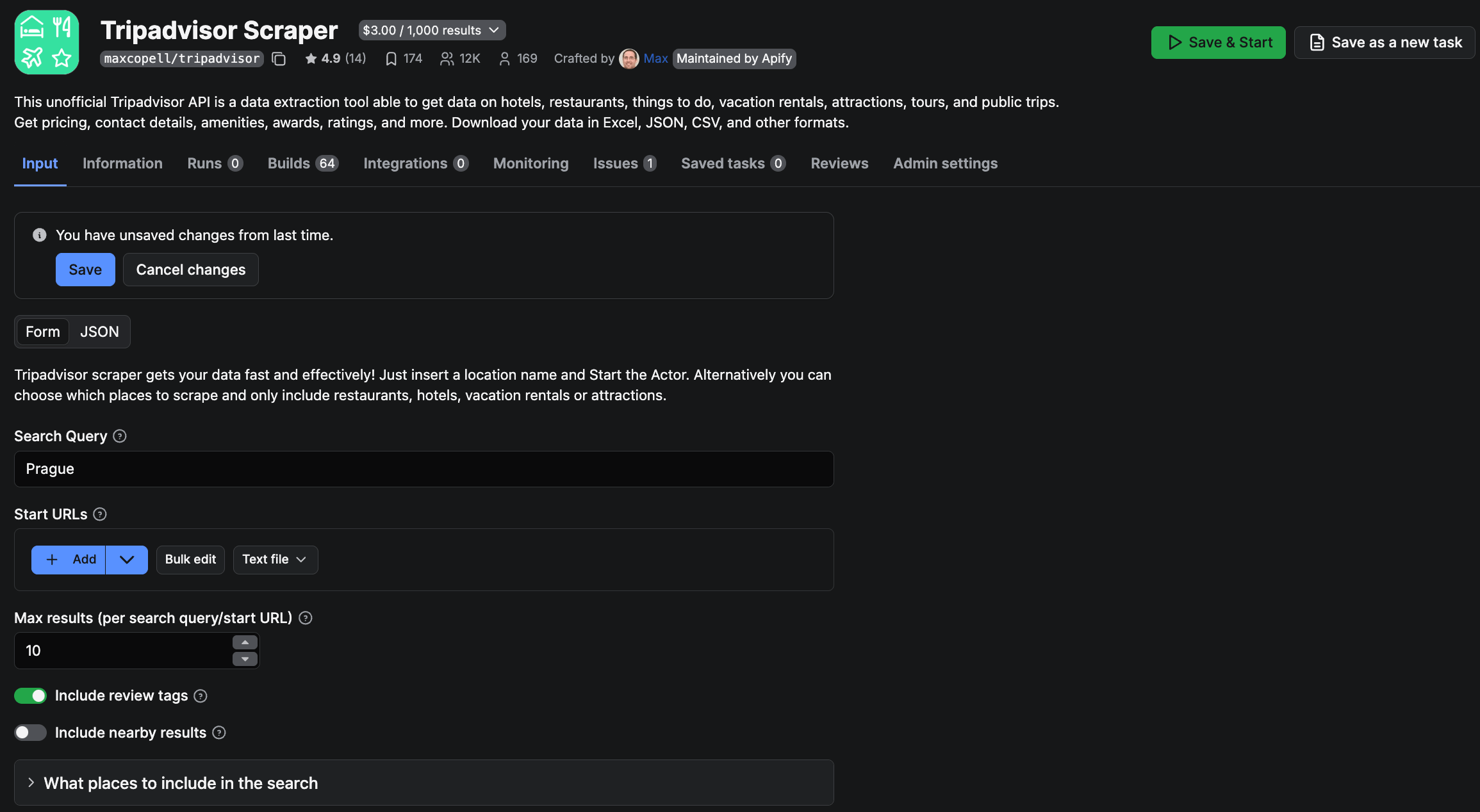
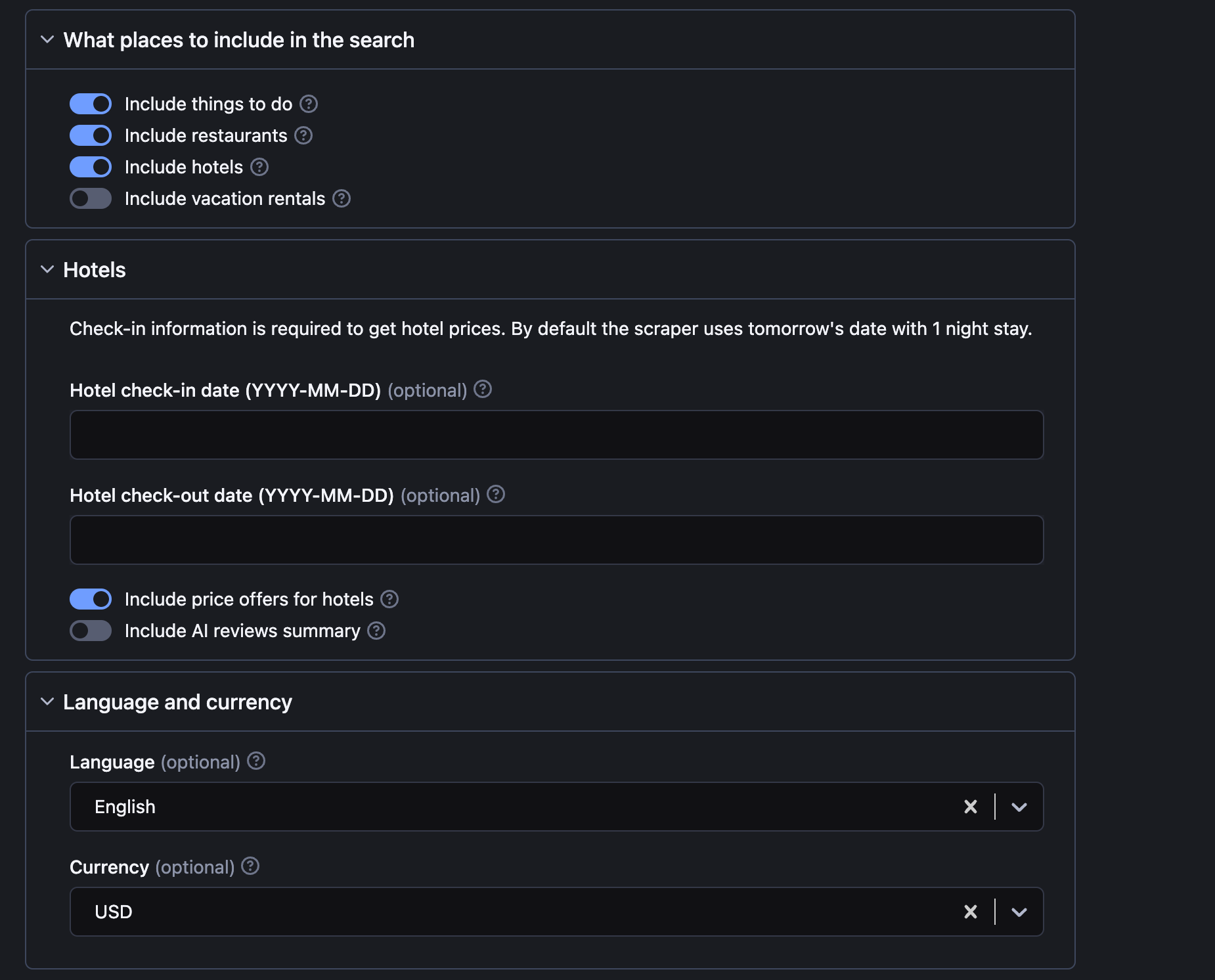
Two main parameters to set up Tripadvisor scraper are Location or Place URLs, and the number of results. The rest, such as including restaurants and vacation rentals, hotel prices, check-in and check-out dates, and language, are optional.
Step 3. Click Start to begin scraping
Click Start and wait for your results to come in. The scraping process might take a few minutes. Scraping is done once your task changes from Running to Succeeded.
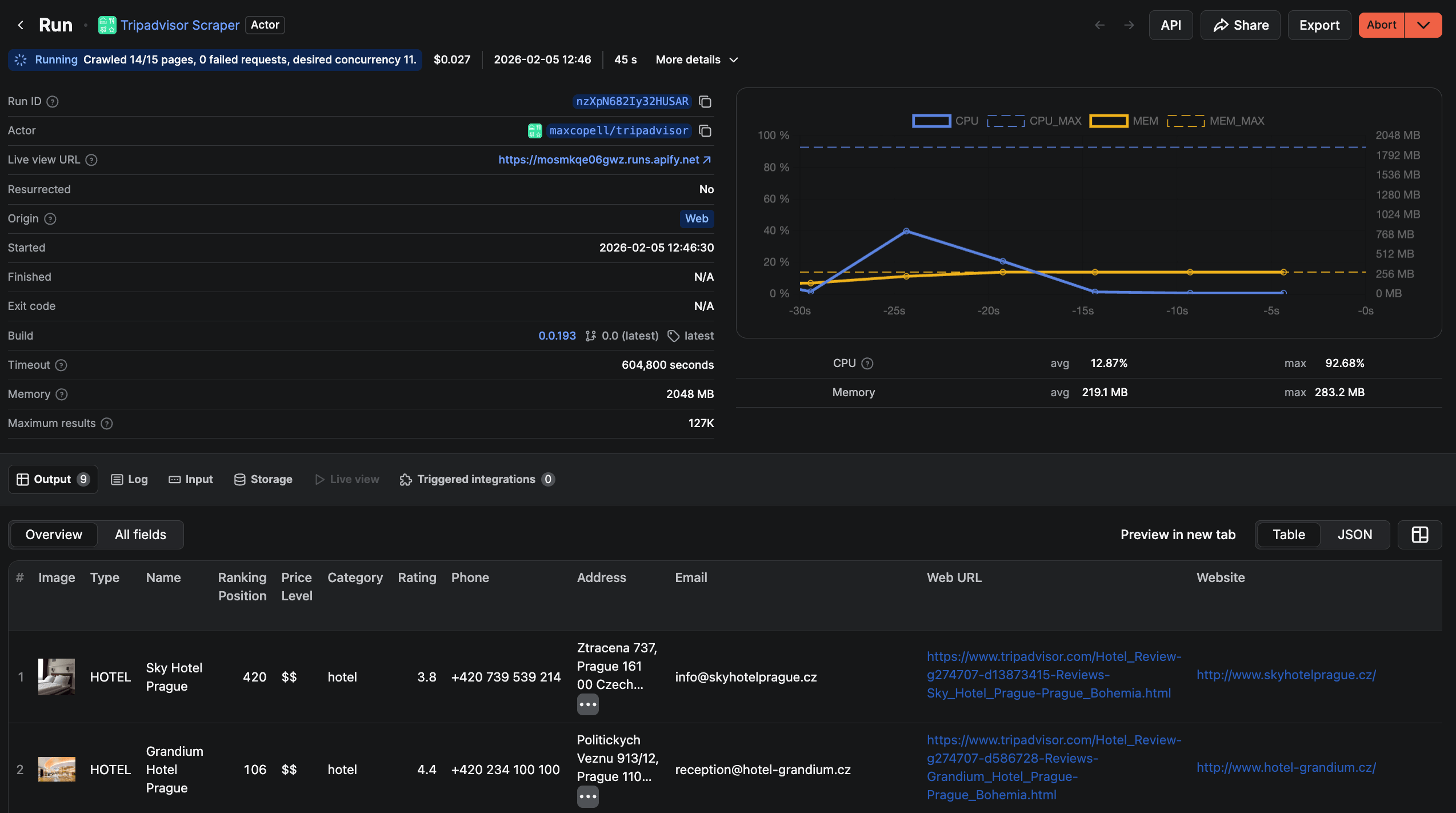
Step 4. Get your data
Once the data extraction is complete, you can view, expand, and download the extracted Tripadvisor data in the Output tab. You can preview it in different formats before downloading it and even clean up unnecessary fields if you wish.
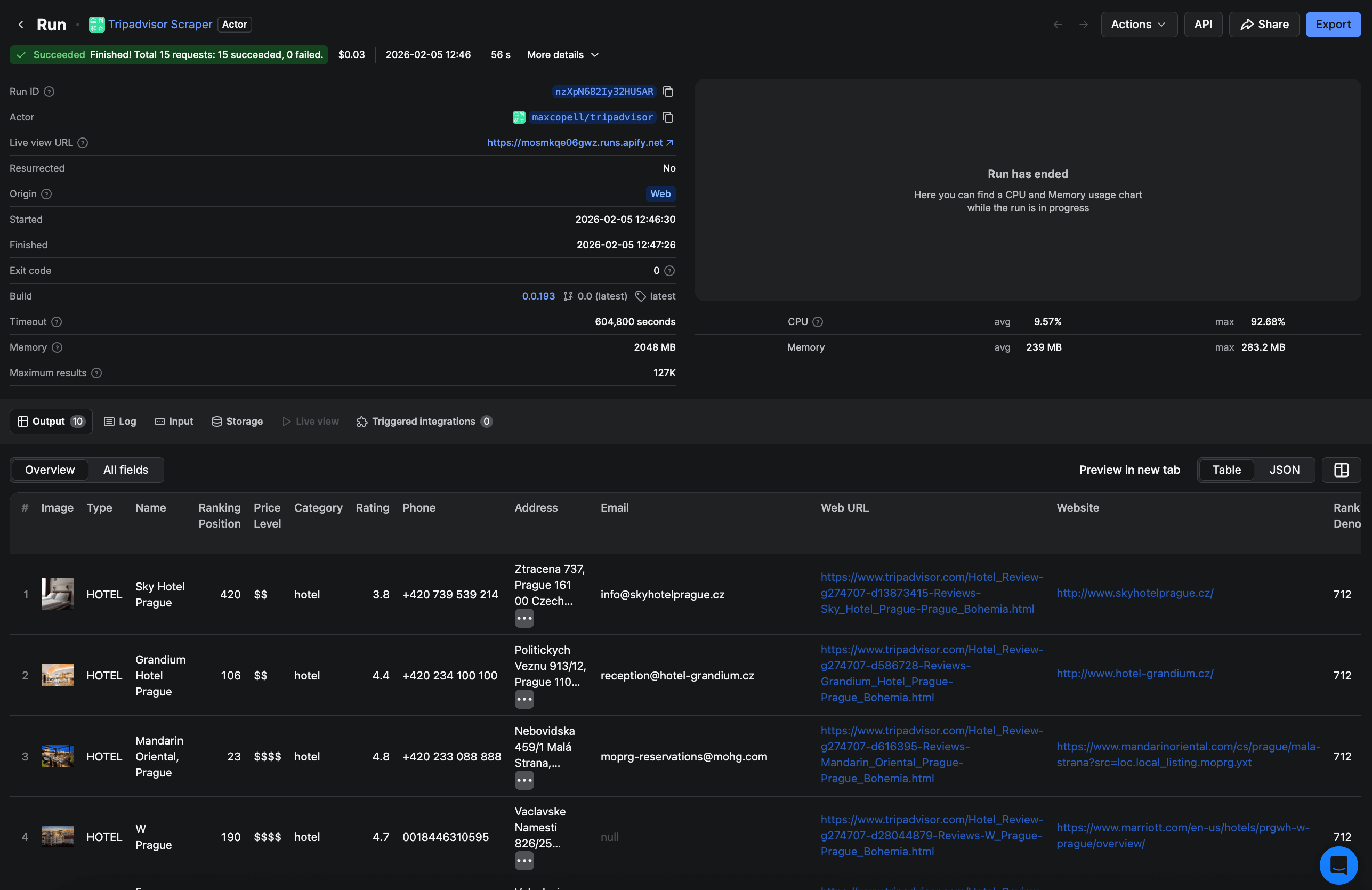
Step 5. Save your scraped Tripadvisor data
Now click the Storage tab → Export button to download your data. It really is as simple as that! You can download the data in Excel, XML, JSON, or as a CSV file, and use it in spreadsheets, reports, and other apps. You can also choose to transfer it via an API.
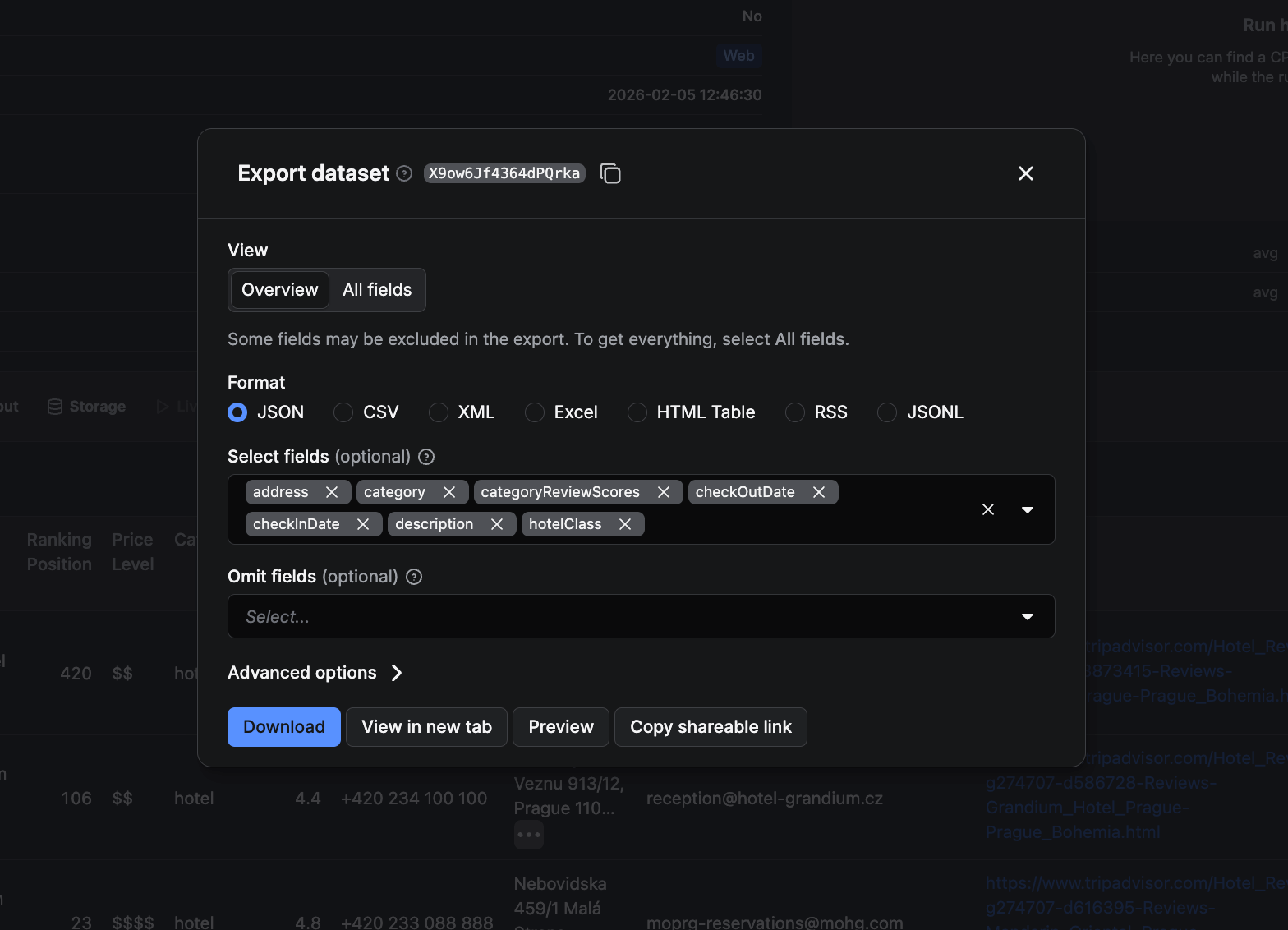
Here's how to narrow down your outputs using the Selected fields option:
- Name and address: choose
nameandaddressObjtags - Rating: choose
ratingtag - Number of reviews: choose
numberOfReviewstag
How to scrape Tripadvisor reviews
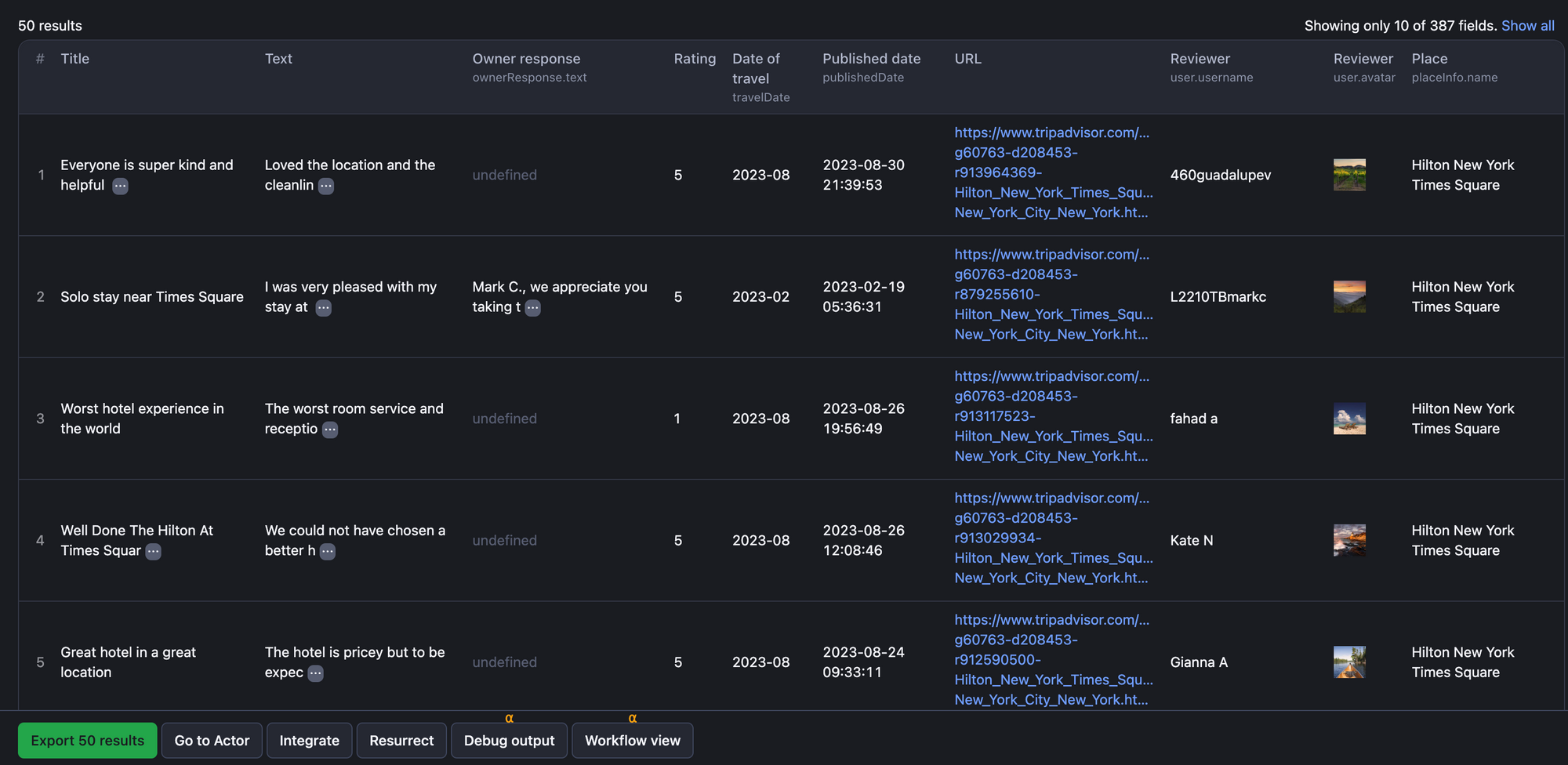
If you want to scrape reviews only, try Tripadvisor Reviews Scraper. Scraping reviews can bring valuable data to your analytics - review title, text, URL, rating, published date, basic reviewer info, owner's response, place details, and more. It works equally well for restaurants, tourist attractions, hotels, and anything else that has a review on Tripadvisor. Here's a peek at the review data we scraped as an example:
Start scraping
Although Tripadvisor provides an extensive amount of data, the limitations of its official API make it impractical for many large-scale or in-depth use cases. For users who need more comprehensive access, faster data collection, or greater flexibility, using Apify scrapers is a more effective way to obtain data.
FAQ
Is scraping Tripadvisor legal?
Scraping publicly available data online is legal. Data on Tripadvisor hotels is public information, therefore, scraping a publically available hotel page is fair game. But you still need to comply with regulations such as GDPR or CCPA, which deal with the accumulation of personal data specifically. An example of personal data on the Tripadvisor website could be a reviewer's name. It’s also important not to scrape content that is copyrighted or private. Check out our legality blog post to learn more about how the law sides with web scraping.
What is Tripadvisor Scraper for?
With this Tripadvisor Scraper 🔗, you can extract data at scale and download it in a number of structured formats, such as JSON, CSV, XML, or as an Excel file. You don’t even need programming or coding skills to use it. This unofficial Tripadvisor API automates the extraction process, which makes scraping Tripadvisor quick and easy, leaving you free to work out how to use that data to benefit your business.
What are the benefits of scraping Tripadvisor?
That’s a lot of data just waiting to be gathered, analyzed, and presented in new and interesting ways. If you’re in the tourism, hospitality, or travel industry, being able to extract Tripadvisor data can help you keep track of the competition and back up your business decisions. Web scraping with Tripadvisor Scraper is the easiest and fastest way to get that data consistently and at scale.
Note: Product names, logos, and brands are used for identification only and remain the property of their respective owners. Their use does not imply affiliation or endorsement.