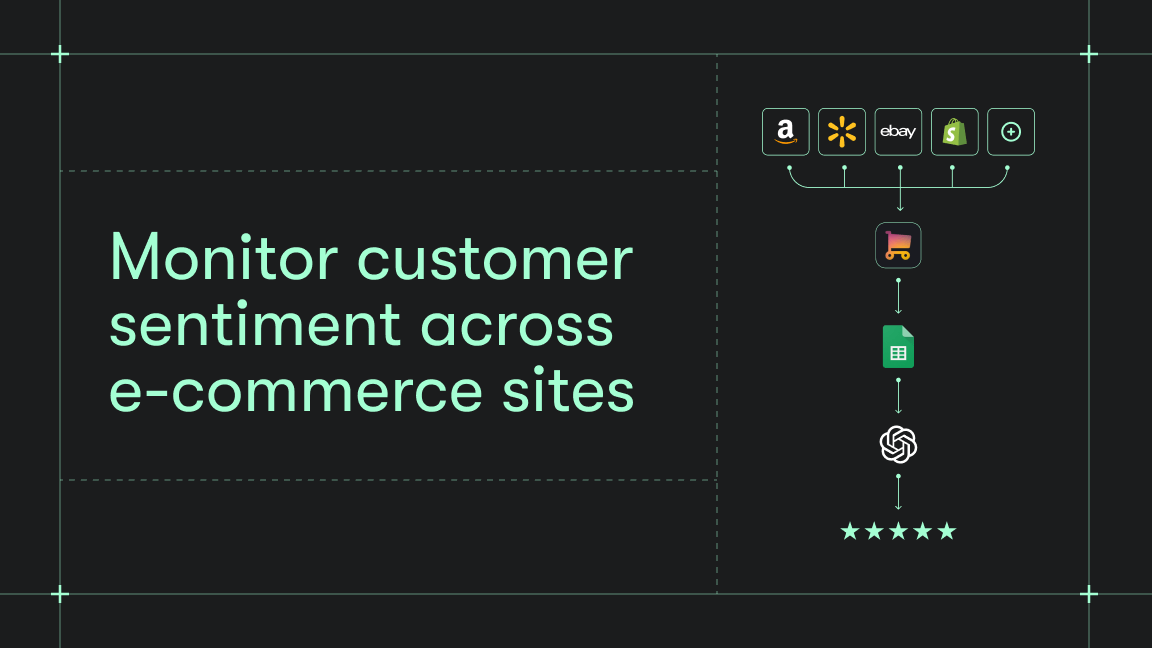
While large retailers use advanced price intelligence platforms with assortment tracking and competitive analysis dashboards, growing businesses need an Amazon monitoring solution able to mirror enterprise-level capabilities, without requiring unlimited resources.
Since you can’t access Amazon pricing data via an official API (Amazon offers advertising and partner APIs, but doesn’t offer one that provides real-time product prices for scraping or competitive monitoring), you’ve probably considered generic scrapers instead.
They come with technical challenges, though: Amazon data loads dynamically through JavaScript, so simple HTML scraping will miss key data, especially variant prices, special offers, or offers linked to specific sellers.
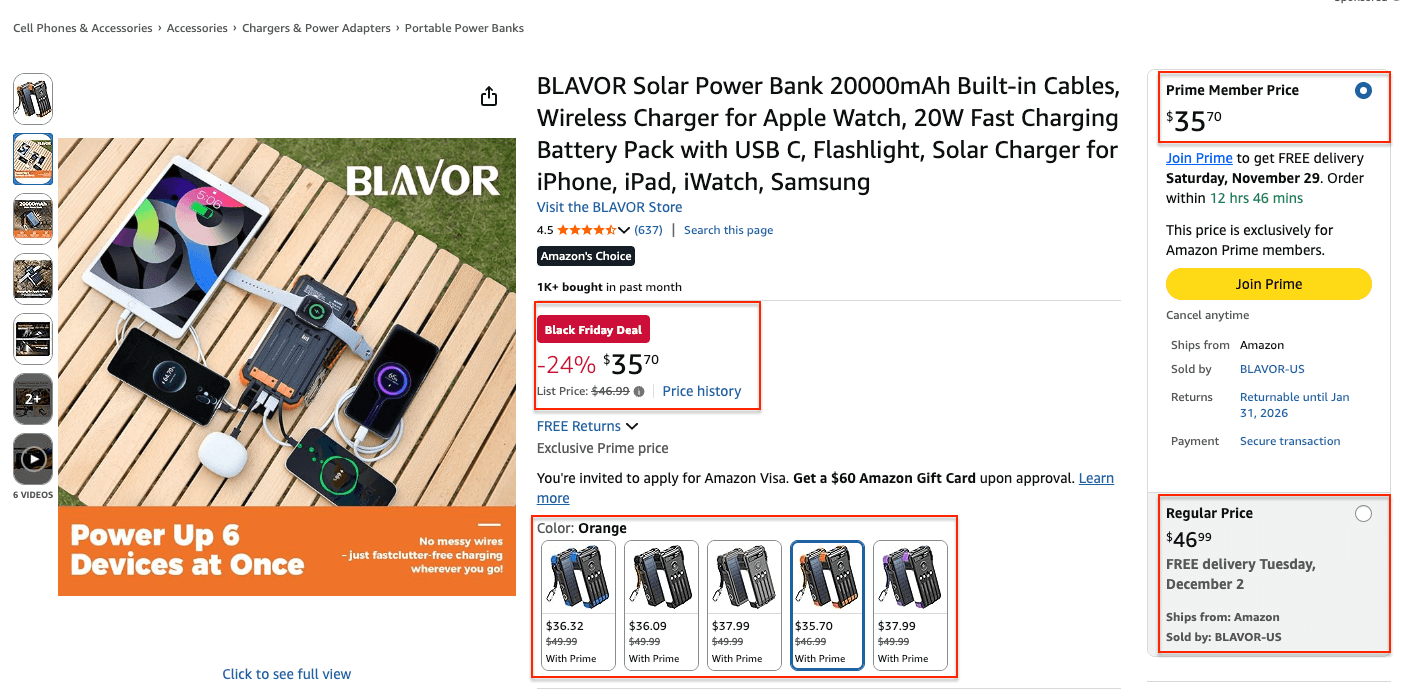
On top of that, Amazon actively defends its data from automated scraping - using behavioral analysis, device fingerprinting, rotating layout identifiers, and frequent CAPTCHA challenges.
An alternative to resource-heavy data collection
Without technical teams at your disposal, setting up complex solutions (not to mention building scrapers from scratch) and managing technical details such as proxies takes time and blocks resources you need for data analysis and pricing strategy.
A ready-made e-commerce scraper designed to work with complex platforms such as Amazon can help you collect pricing data automatically and on schedule, while handling pagination, mimicking browser behavior, and using proxy rotation to avoid triggering Amazon’s machine-learning-based bot detection systems.
We’ll take a closer look at Amazon price tracking with Apify’s E-commerce Scraping Tool and three alternatives that scale naturally as your business grows.
Amazon price tracking with E-commerce Scraping Tool
Apify’s E-commerce Scraping Tool is a specialized scraper available on Apify Store, a home to 10,000+ automation solutions, called Actors. Actors can be configured without any code, and integrate easily with third-party apps or other Actors. Plus, scaling with Apify scrapers is easy for growing retailers thanks to:
- usage-based pricing,
- no minimum spend,
- no per-seat licenses.
E-commerce Scraping Tool can extract prices from Amazon and send them directly to your Google Drive for further analysis.
To automate the whole process, you can set up a simple workflow between E-commerce Scraping Tool and Google Drive - directly in the Apify platform. That way, once you trigger a price scraping run, the output will be automatically saved in Google Sheets. Plus, with a correct configuration, you will get fresh data after every successful run on schedule - without any manual input needed.
How to track Amazon prices with Apify
Step 1: Integration with GDrive
Before we start scraping Amazon, let’s make sure our data flow is configured. Head to E-commerce Scraping Tool and go to the Integrations tab. Start typing GDrive, and select the Upload results to GDrive integration.

Give the integration a unique name. In our example, we’ll use Power banks - price tracking. Click Save to continue and connect your Google account. If you’re using your Google account with Apify Console, your email address might already be on the list of accounts to select.
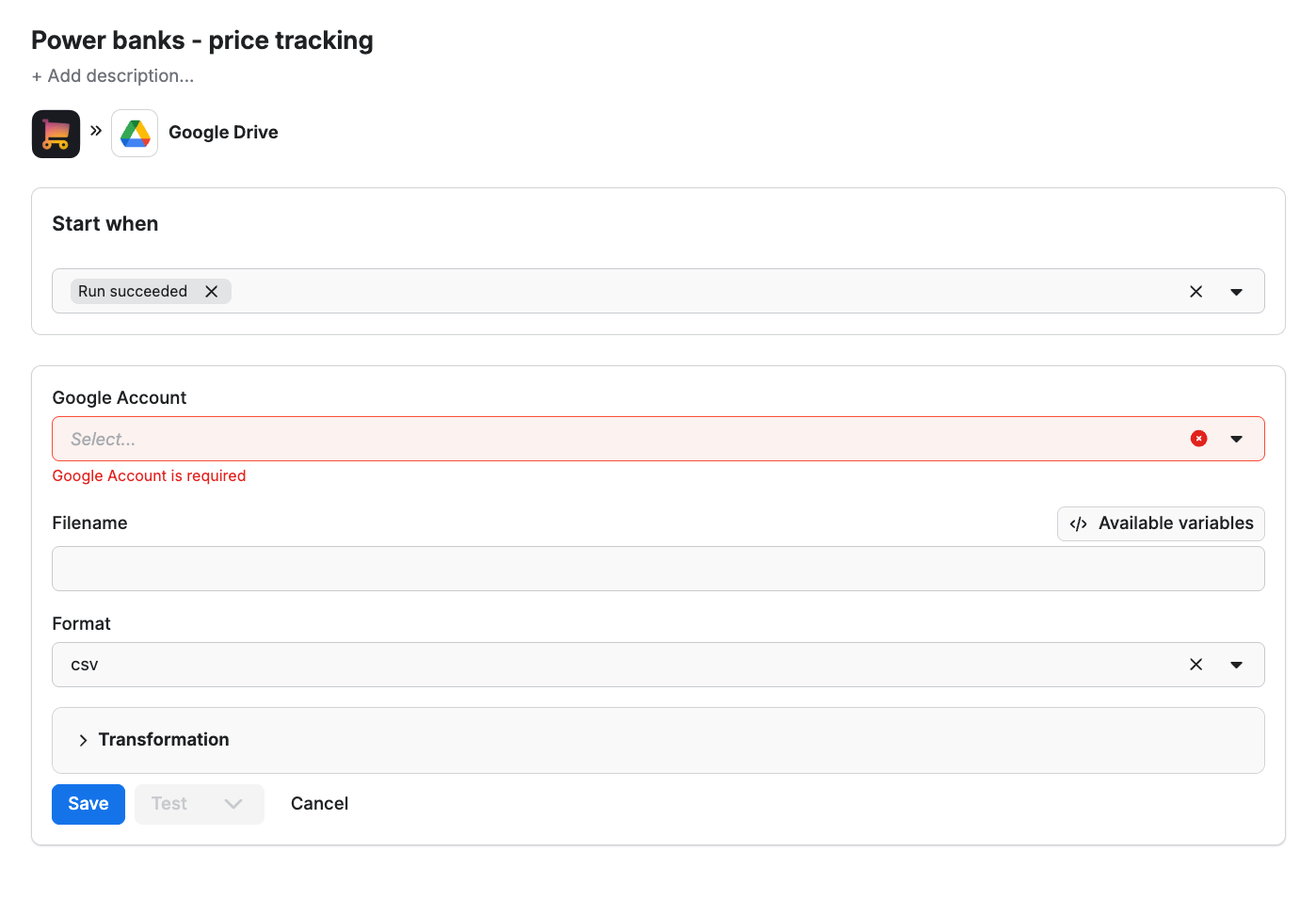
Since we want the data to be sent to the spreadsheet once the scraper finishes running, we’ll select Run succeeded as our starting point.
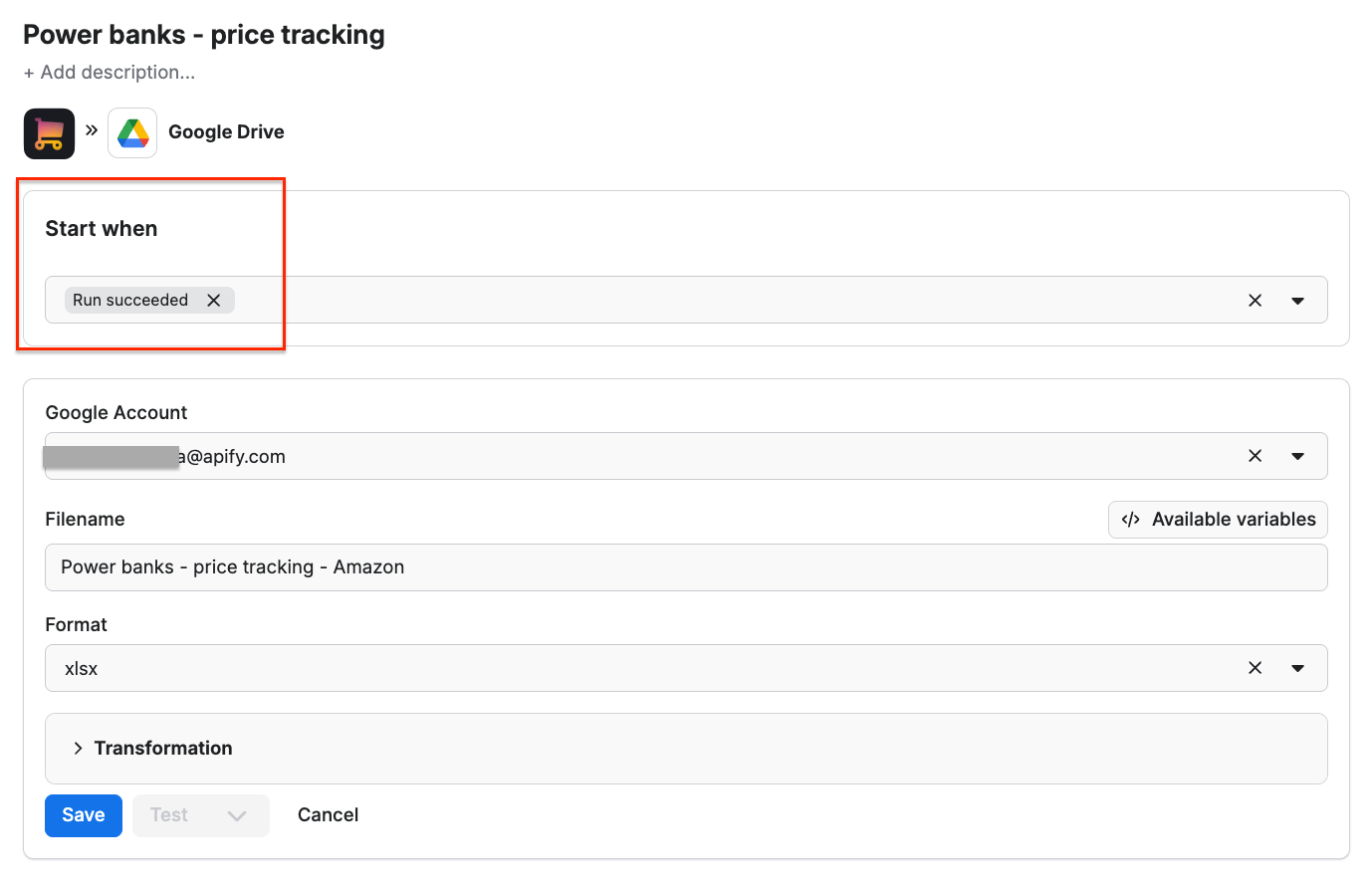
Select a format of the Google Drive file that the Apify integration will create and click Save. The workflow is ready - from now on, every time you run a scraping session, a new file with scraped results will be created in your Google Drive, ready to analyze and compare over time.
Step 2: Configure the scraper and run it
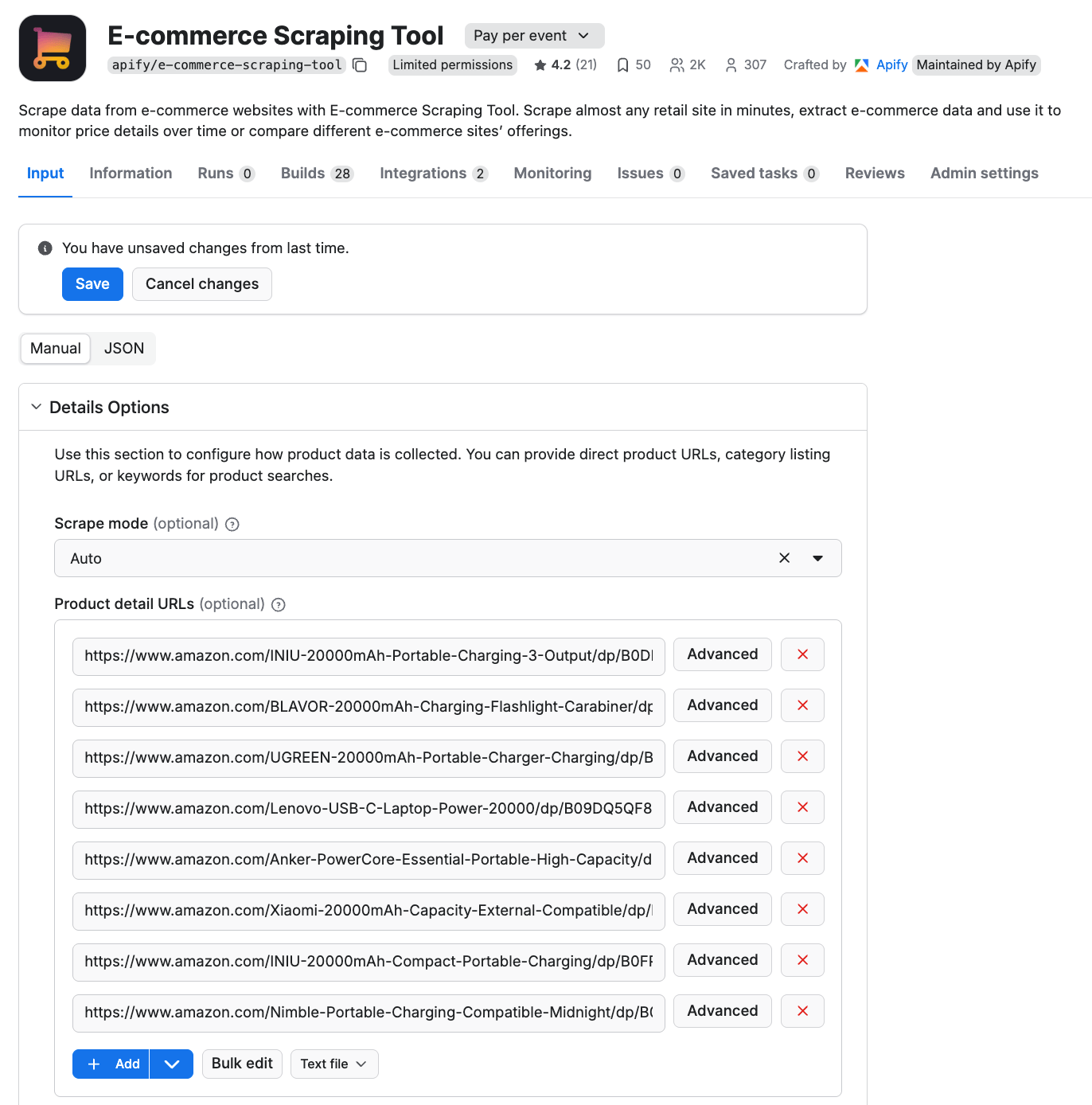
Time to set up the scraper. Head to the Input tab and copy Amazon URLs with product pages you want to extract prices from.
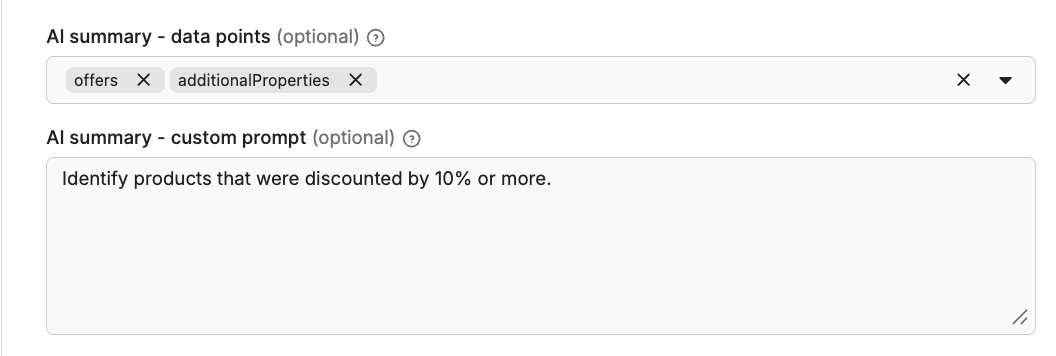
The tool also includes an AI analysis feature. Use any prompt that will make your scraping session even more informative - such as summarizing key features, or marking discounted products.
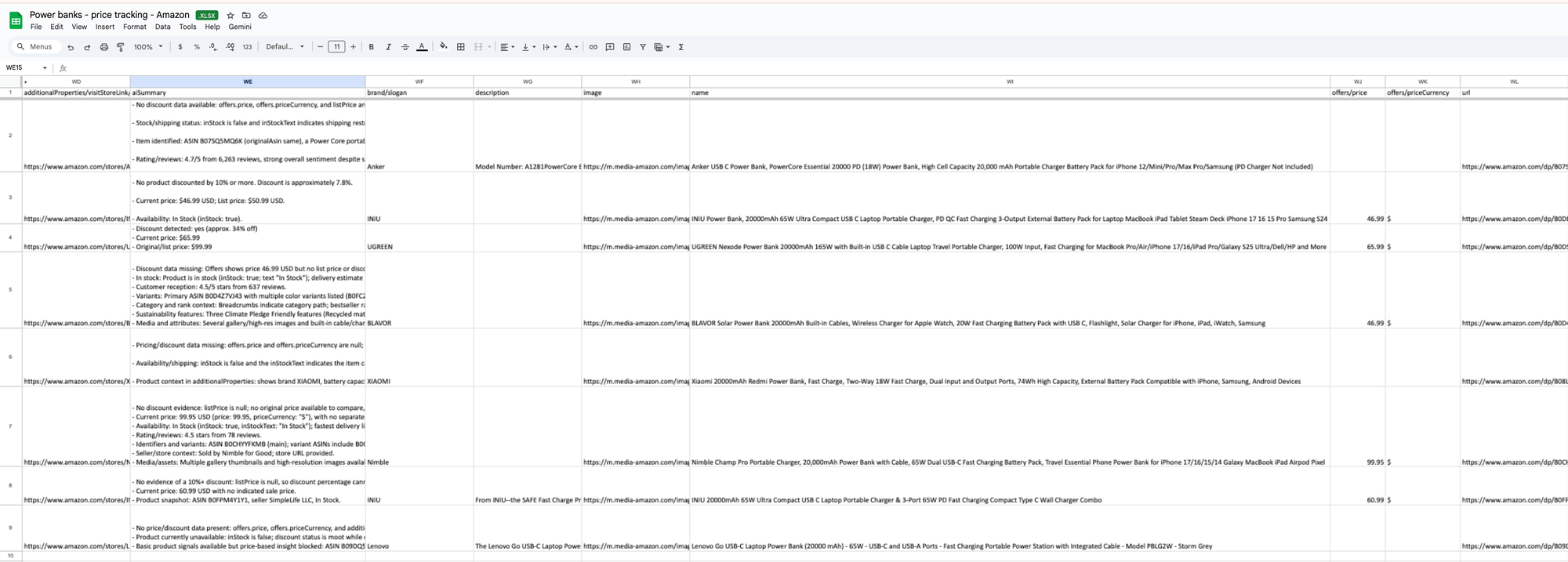
Then, when you run the scraper, you will receive the new spreadsheet every time - complete with pricing data and any AI summary you chose to use.
Alternative solutions to consider
Looking for something slightly different? Apify Store offers Amazon-specific scrapers for product details, prices, and categories. They all inherit the same features specific to the Apify platform:
- Built-in proxy management
- Anti-bot evasion support
- Integrated storage with structured exports in CSV/Excel/JSON
- Input configuration schema with standardized parameters (URLs, keywords, limits, etc.).
- REST API endpoint for start, stop, and data retrieval
All Amazon scrapers on Apify Store share a unified infrastructure. The key differences lie in their focus and output.
Amazon Product Scraper
This scraper is specifically tailored for extracting Amazon product information. You provide it with Amazon product or category URLs (optionally, country-specific), and it extracts details such as product title, price, ASIN, stock status, seller information, full product metadata, reviews, and more.

Amazon Bestsellers Scraper
This scraper was designed to scrape the 100 top-selling items on Amazon - from Amazon Best Sellers pages. It extracts data from different domains: US, GB, DE, FR, ES, and IT, and delivers product details such as name, price, URL, and thumbnail image. You can scrape Best Seller categories and subcategories. Additionally, you can scrape the following categories: Most Wished, Movers and Shakers, New Releases, and Gift Ideas.

By default, this Amazon scraper extracts the 42 top Best Seller subcategories. You can however add deeper scraping on the subcategory level adjusting the UI.
Amazon ASINs Scraper
Amazon ASINs Scraper works with the ASINs as the input and extracts additional information, such as all variants of that product, related ASINs, or product-family identifiers.

This scraper is particularly helpful in discovering up-and-coming brands and products by seeing what’s trending or scraping offers to track competitors’ sales and promotions.
Choose the best solution...
…depending on your use case.
| Scraper | Best for |
|---|---|
| E-commerce Scraping Tool | Cross-platform price monitoring, multi-store Amazon price tracking workflows |
| Amazon Product Scraper | Deep Amazon product analysis, competitive monitoring, seller intelligence, tracking Buy Box price and seller info |
| Amazon Bestsellers Scraper | Analysis of the best-selling products in categories and subcategories across multiple Amazon marketplaces, trend discovery, tracking category leaders |
| Amazon ASINs Scraper | ASIN discovery and extraction of variants and related products, catalog mapping, variant extraction, competitor ecosystem analysis |
Key takeaways
With Apify scrapers, you can extract pricing data without coding, create easy-to-use workflows without worrying about proxy rotation, or anti-bot measures:
- If you need cross-store monitoring, start with E-commerce Scraping Tool
- If you need detailed Amazon data, use Amazon Product Scraper
- If you want to discover related offers based on an ASIN, go with Amazon ASIN Scraper
- If you’re interested in tracking the best-selling products, choose Amazon Bestsellers Scraper