With MCP connectors, you can now connect your Apify account with external apps like Notion, GitHub, or Slack, and securely share access to these apps with Actors, enabling them to access your business data, send results, or integrate external workflows.
Background
Historically, Apify has been known as a platform for extracting public data from the web. Most Actors in Apify Store work on the open web, without any login or user account, fetching public data from all kinds of websites for all kinds of use cases.
Such anonymous data collection is usually just a first input step of more complex workflows, which often interact with external apps under a login or user account. Until now, these workflows had to run outside of Apify, as it was difficult to provide Actors with authenticated access to external applications.
With MCP connectors, Actors can now securely access third-party applications through the Model Context Protocol (MCP), an open standard protocol for agent-to-tool interaction. MCP is supported by a growing ecosystem of services, from Postgres and Git to Google Calendar and Slack, giving Actors new hands to act on the outer world.
Plug your Apify Actors into the apps you already use
How connectors work
MCP connectors are a new kind of input for Actors. When setting up an Actor that supports this feature, Apify Console shows you a special input field where you can select an existing connector:
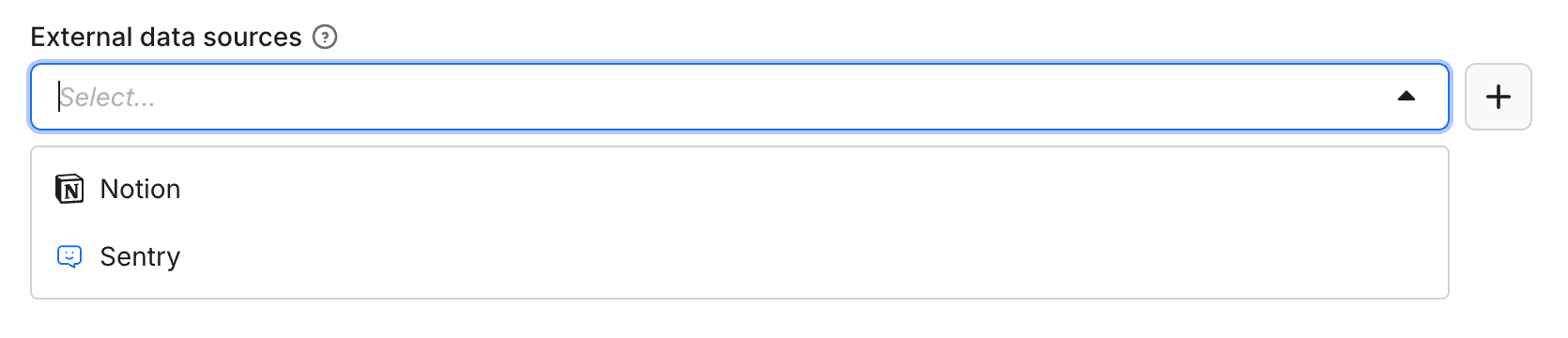
Or add a new connector by entering a URL and authenticating to a remote MCP server.
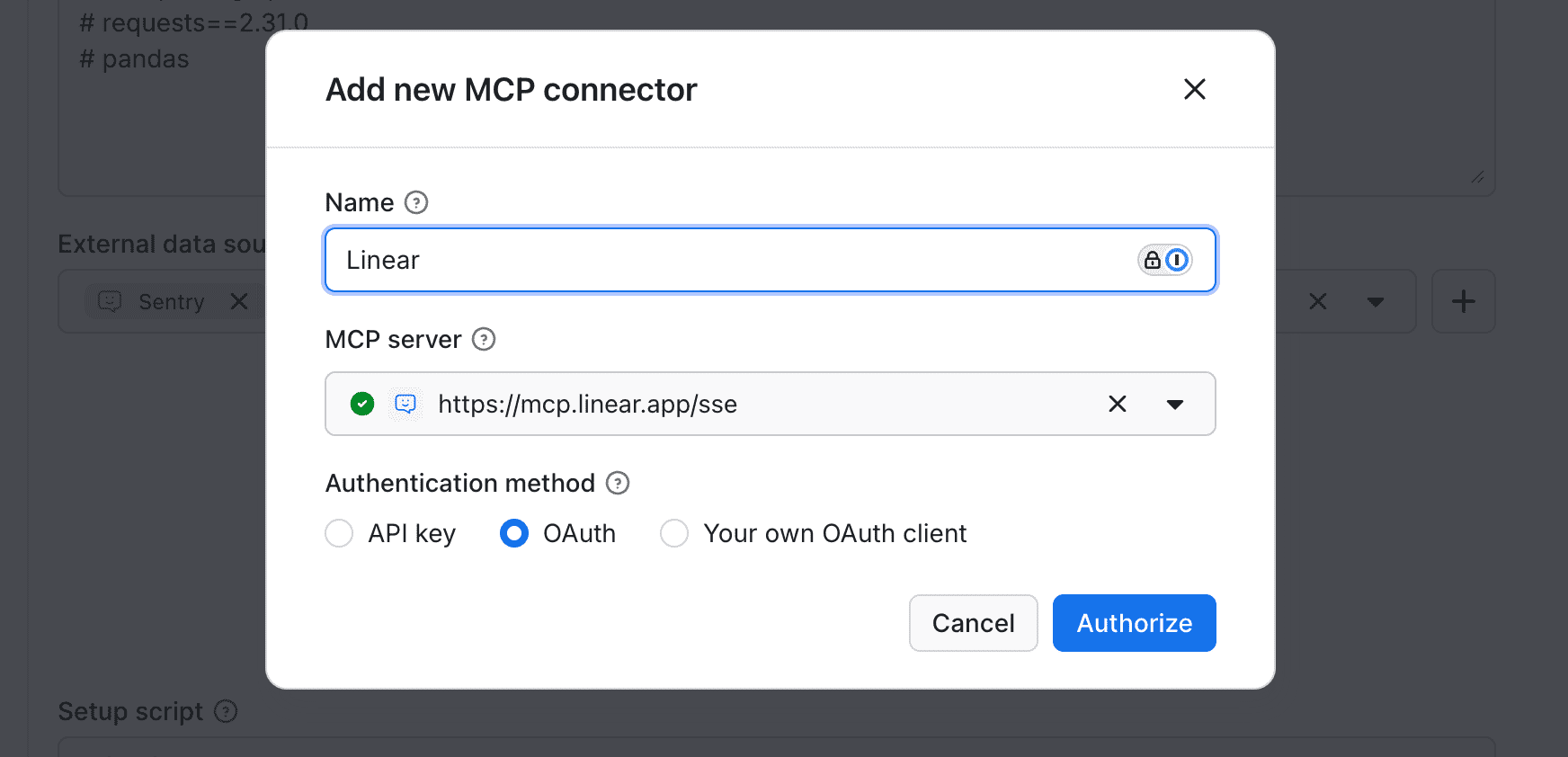
Once you start the Actor, it can access the remote MCP server through the connector and call its tools.
Security considerations
MCP connectors give Actors access to external applications on behalf of the account you connect to, so an Actor acts with that account's permissions.
To give an Actor access to an MCP connector, you need to manually assign the connector to the Actor input in Console. Even if an Actor knows a connector ID, it can’t access it unless you manually assign it to its input.
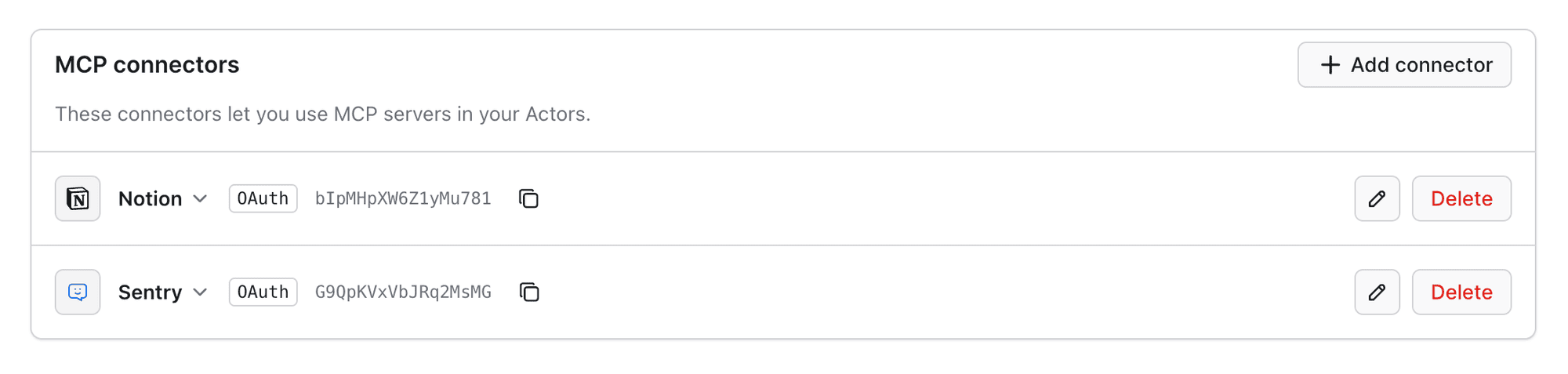
When you add a new connector, the authentication credentials to a remote MCP server are stored securely on your Apify account, encrypted at rest. All your connectors are shown under API & Integrations, where you can remove them or add new ones.
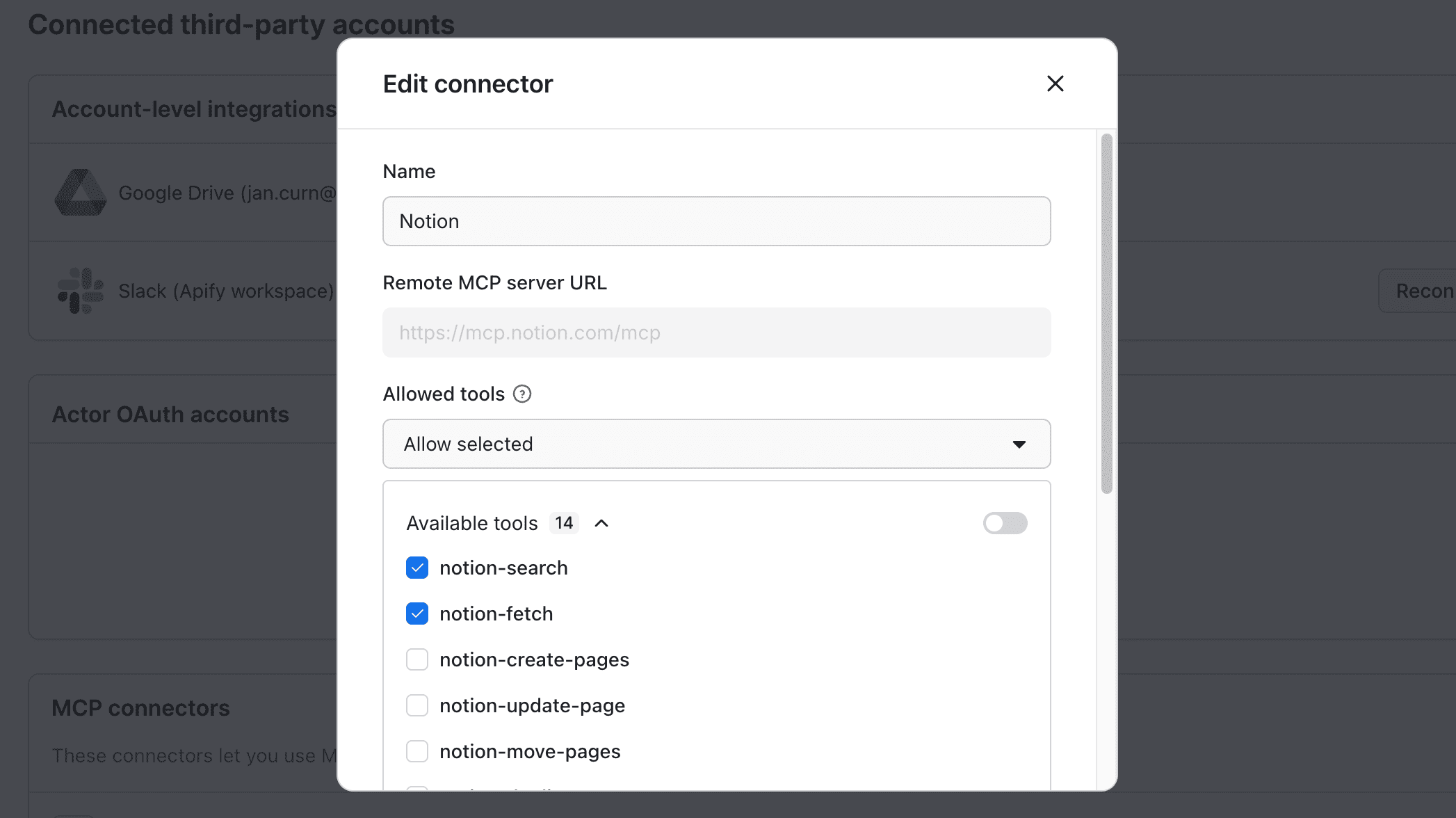
You can also limit access to specific MCP tools for additional security.
Note that Actors never get access to your credentials or authentication tokens of the MCP servers. They run developer-supplied code, so Apify treats the Actor runtime as untrusted: instead of handing credentials to the Actor, Apify gives it an MCP server proxy that forwards each request to the remote server and injects the credentials only on the Apify-managed side. A compromised or malicious Actor can still call the tools you allowed, but it can't read or exfiltrate the underlying credentials.
For details, see the MCP connectors documentation.
Example Actors and use cases
1. AI Code Sandbox
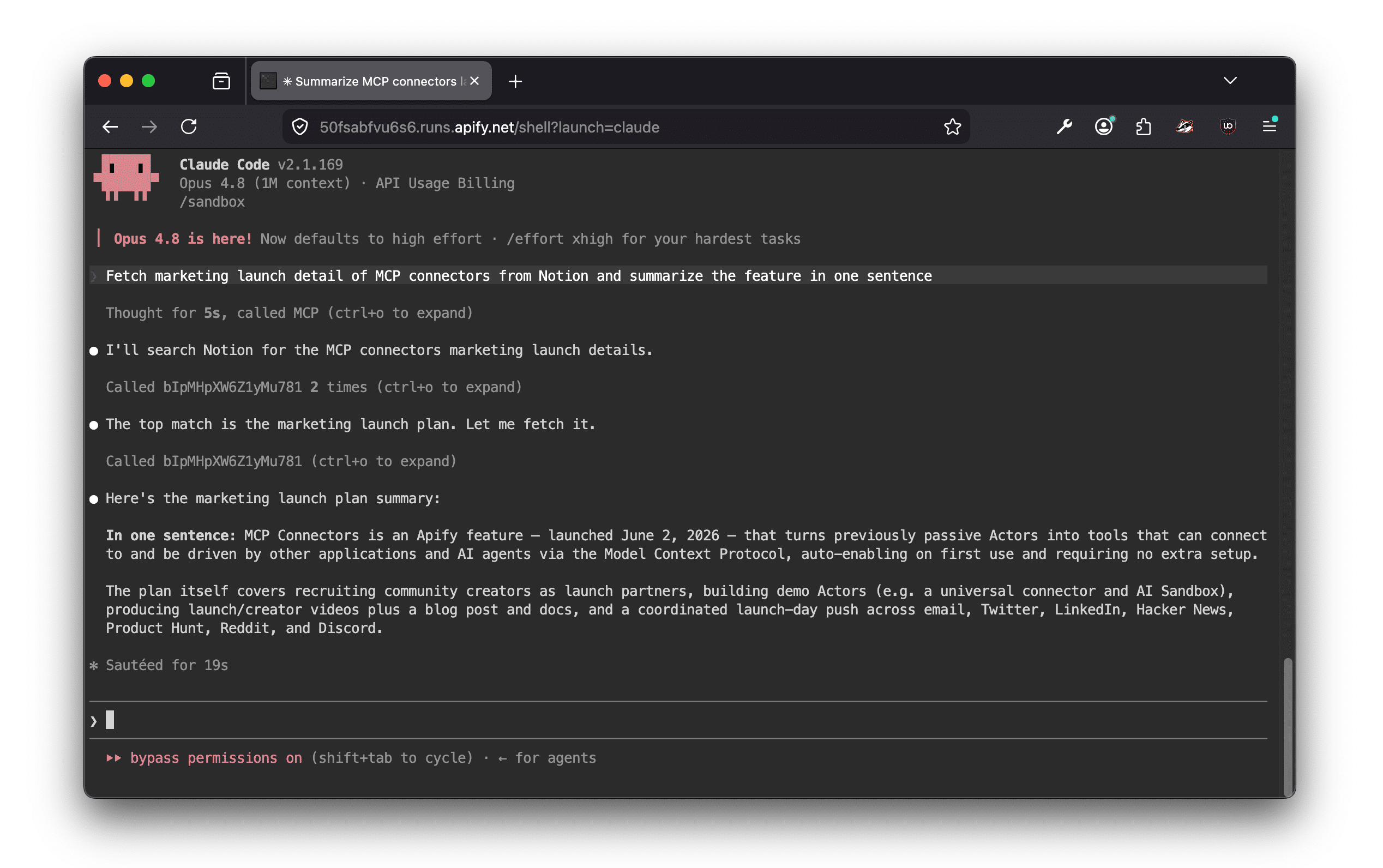
Give AI agents a safe space to run code without risking the host system. AI Code Sandbox runs in a containerized environment on the Apify platform so you can execute untrusted code safely. You can interact with it through a shell, REST API, MCP, and web UI. Use it for AI agent development, interactive debugging, and Apify Actor orchestration.
2. Email campaigns: Klaviyo Campaign Drafter
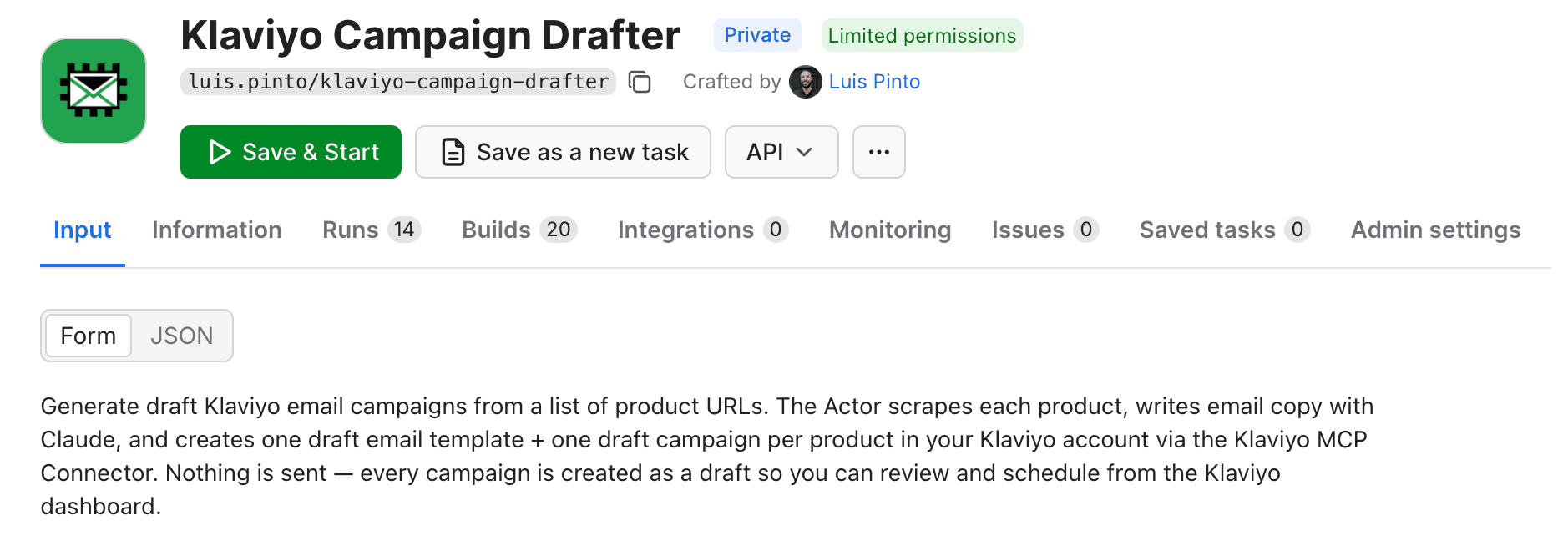
Klaviyo is one of the most used email platforms for e-commerce stores. If you're a store owner looking to send email campaigns on your products (based on launch, sales, awareness), try Klaviyo Campaign Drafter.
Insert the product URL in the input field, and the Actor will generate the email and campaign for you, directly on Klaviyo, ready to send or schedule. It uses your tone of voice and brand colors as well. Example output below:

3. CI/CD pipelines and agentic AI: Universal MCP Connector
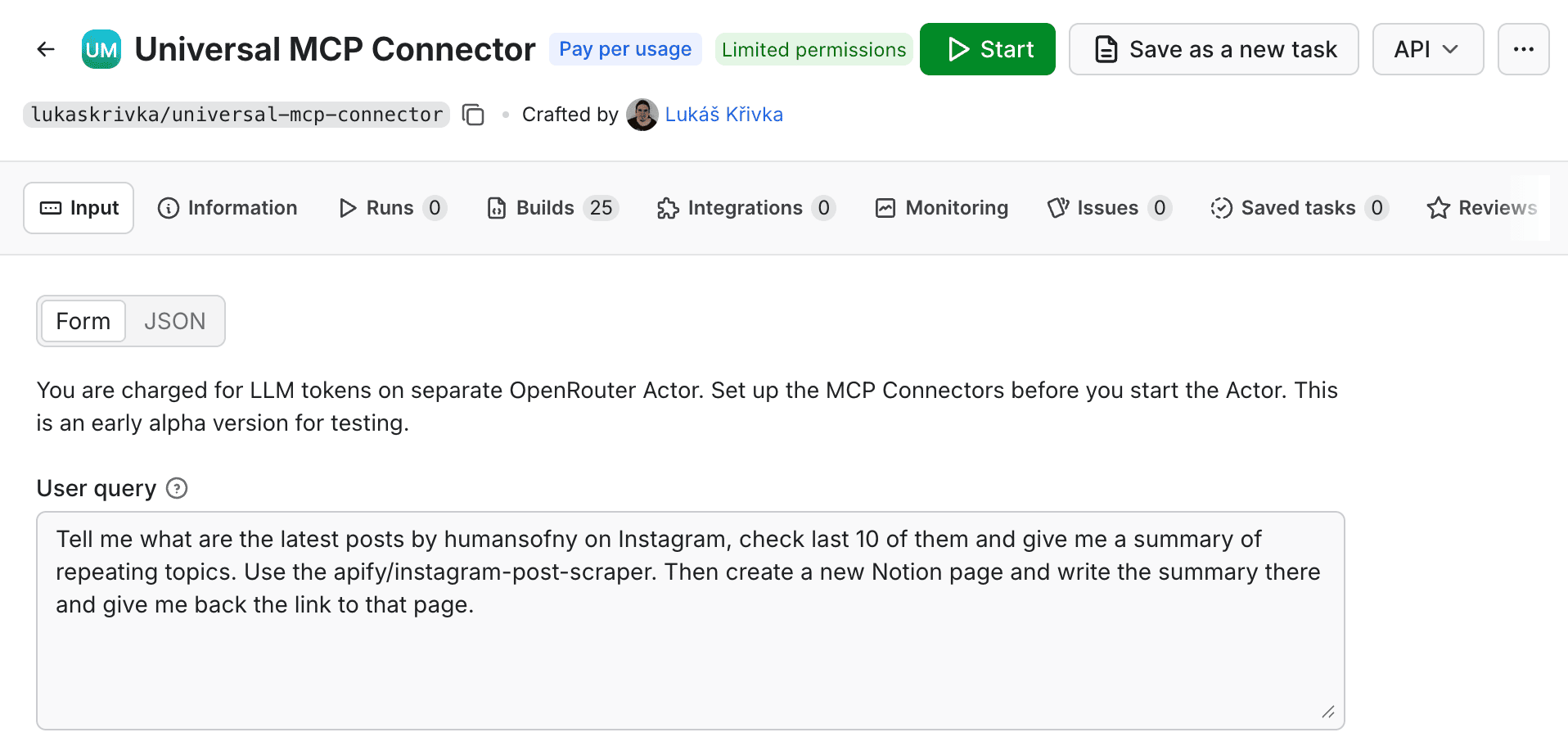
Run arbitrary workflows on Apify and publish results on any platform that supports the Model Context Protocol (MCP). Insert a prompt into Universal MCP Connector, and it will call the Actors it needs to get those results. It will then use an LLM to go through the outputs and place them on a platform of your choosing.
4. End-to-end travel planning: Travel Budget Planner

Travel Budget Planner by Inovaflow is an orchestrator. It runs other specialized Apify Actors for you in the background and merges their results into one trip. Accommodation comes from our Airbnb & Booking Price Index; flights from Skyscanner Scraper. Optional sources add Airbnb / Booking.com listings, FlixBus + FlixTrain, and Rome2Rio.
5. Competitive intel: Google Ads Scraper

Turn Google's public ad disclosures into clean, structured JSON for competitive intelligence, brand monitoring, ad spend research, and political ad transparency analysis. Google Ads Scraper by Ayen Data collects advertiser data, ad creatives, impressions, audience targeting, and ad media from the Google Ads Transparency Center.
6. Trend analysis: Reddit Posts Scraper

Reddit Posts Scraper by Parseforge collects post data from any public subreddit, search query, or direct Reddit URL. Each record includes title, full text, author, score, upvote ratio, comment count, creation date, domain, flair, media flags, and awards. Runs return 1,000+ posts per minute on residential proxy, making it practical for trend analysis, content research, and ongoing monitoring at scale.
7. Social media intel: Facebook Group Posts Scraper

Track market sentiment, monitor competitor activity, gather research data, or build a content idea pipeline with Facebook Group Posts Scraper by Goldmine. It extracts structured data from public Facebook groups (post content, authors, engagement metrics, timestamps, and media attachments) straight into a clean JSON dataset, an Apify schedule, or a Notion database your team and AI agents can query.
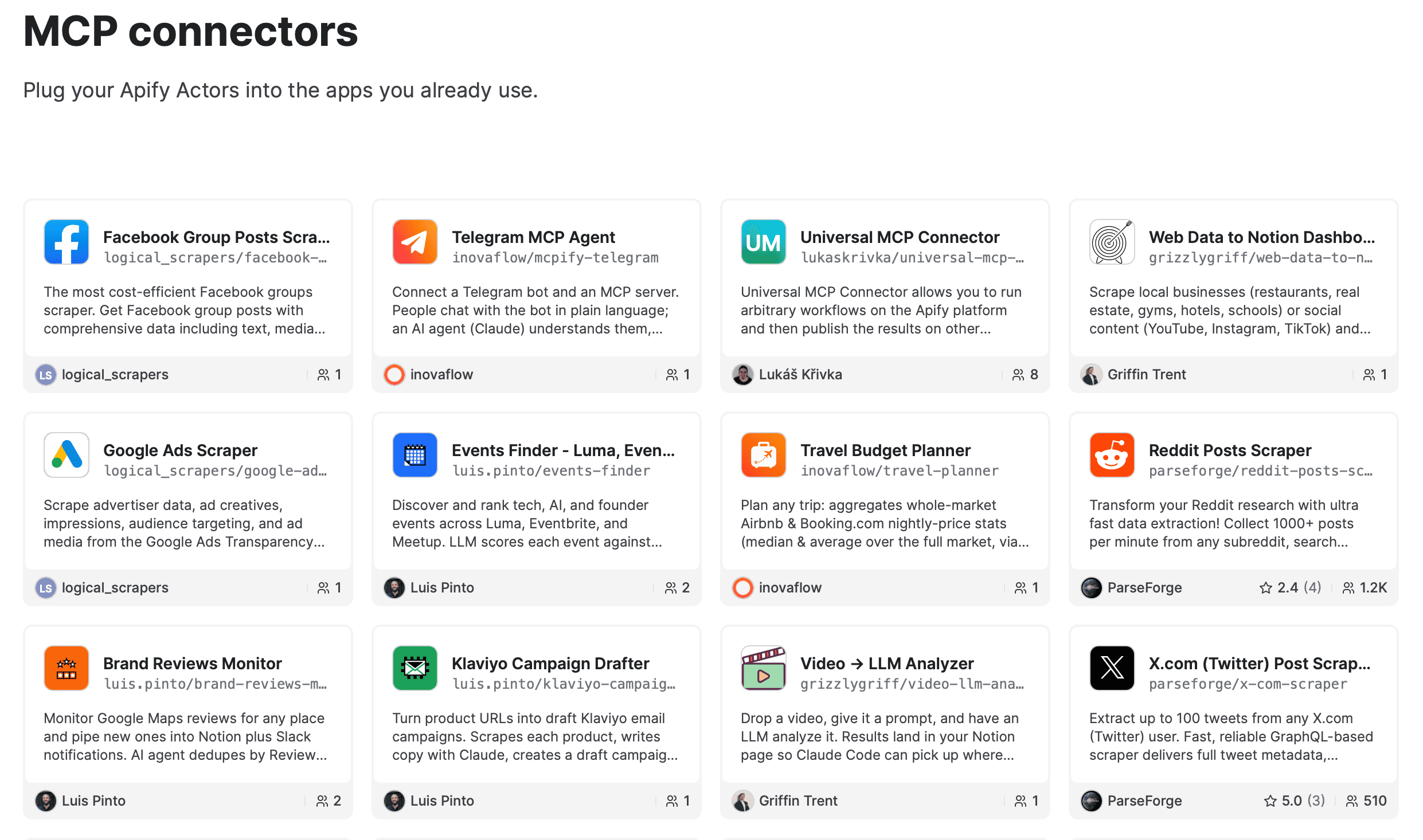
Check out more MCP connectors on Apify:
New opportunities for Actor creators
MCP connectors open up a space for new, valuable use cases that were not possible before, in particular, AI agents. We’re excited to see what you build and hear your feedback - just let us know on Discord.